3D Vision and geo-11 fix for Ni no Kuni Wrath of the White Witch™ Remastered.
Update (2022-11-12): geo-11 fix updated with build v0.6.78. Autoconvergence configured. Specular reflections stereoized (when possible). Crosshair and lock-on with dynamic depth.
Update (2022-06-22): geo-11 fix added.
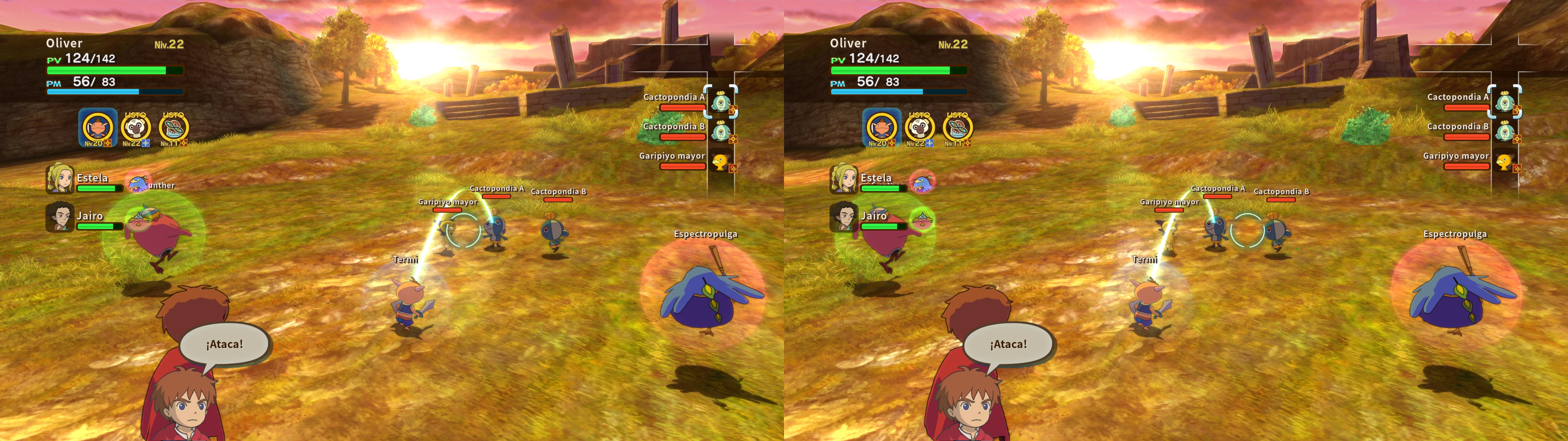
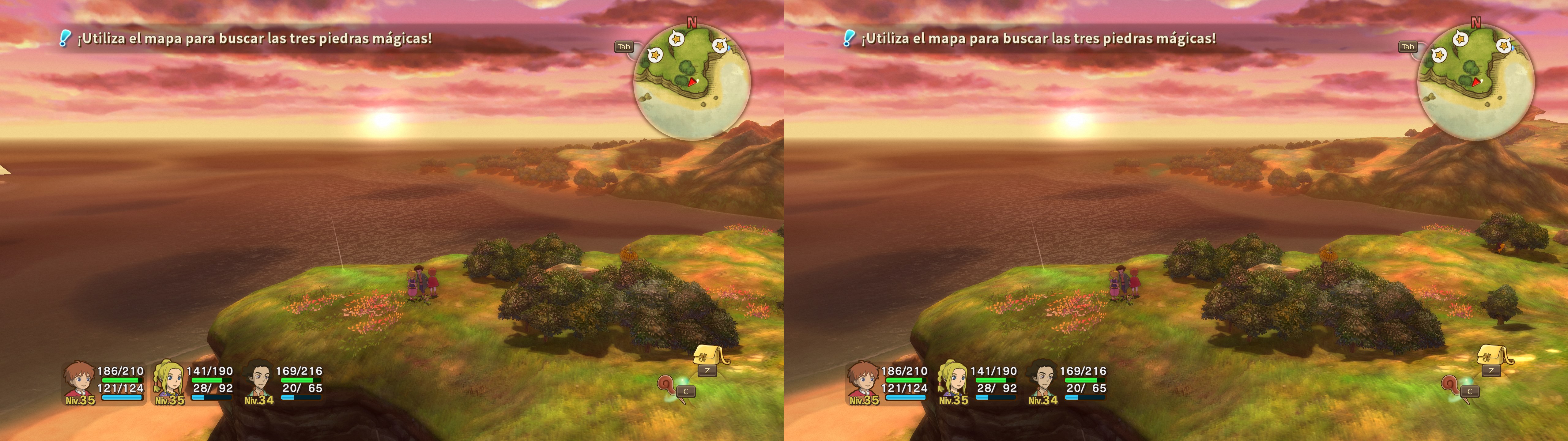
Fixed- Shadows.
- Lighting.
- Sky bloom.
- Clouds.
- The sun.
- Water.
- A lot of haloing problems.
- Stereoized specular reflections (when possible).
- Real depth for HUD elements that have a depth value. The rest remains at screen depth.
- Automatic convergence presets for the heart piece selector and the book.
Installation-
geo-11, recommended, using build v0.6.78: download
this file and extract its contents in the "
Ni no Kuni Wrath of the White Witch™ Remastered" folder, where "
NinoKuni_WotWW_Remastered.exe" is. Remember to edit "d3dxdm.ini" to change your "direct_mode" to the output you need.
- 3D Vision (outdated): download this file and extract its contents in the "Ni no Kuni Wrath of the White Witch™ Remastered" folder, where "NinoKuni_WotWW_Remastered.exe" is.- Launch the game and let it overwrite the profile.
Warning (outdated, only for the old 3D Vision fix)This game refuses any HLSL shader, meaning that
you can't use the SBS/TAB/interlaced shader from 3Dmigoto. You have to play with normal 3D Vision, 3D Vision Discover, HelixVision or 3DTV Play.
Hotkeys-
F1: convergence presets (0, 1, 2, 3, 4). 3 by default. You may need to change it manually for cutscenes if you think the default convergence is too high. This key only works if autoconvergence is disabled in d3dxdm.ini.
-
XB_LEFT_THUMB (not enabled in the geo-11 fix): quick low convergence preset (1.5). At least for me this doesn't work, because of Steam Input. It may work for others. I just use the F1 hotkey to change convergence.
-
F4: depth of field toggle. Not disabled by default. It also disables the heatwaves effect in the desert and volcano areas.
-
F5: cel shading toggle. Not disabled by default. Just for fun.
If you liked the fix and want to contribute for more future fixes, you can donate to this PayPal account: masterotakusuko@gmail.com



Comments
Post a Comment