3D Vision fix for Nioh 2 - The Complete Edition.
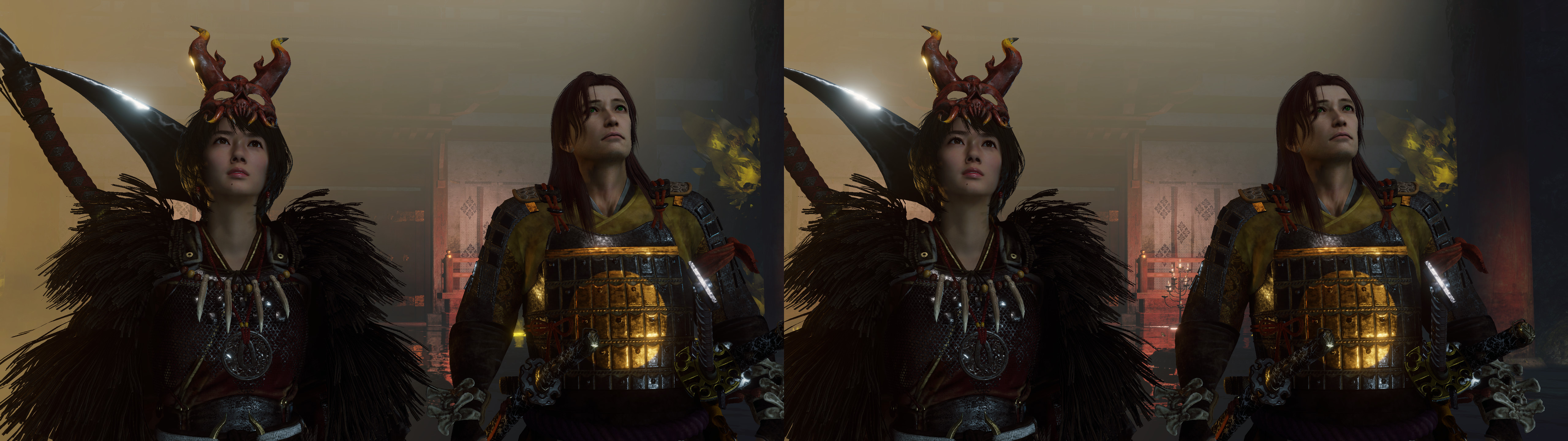
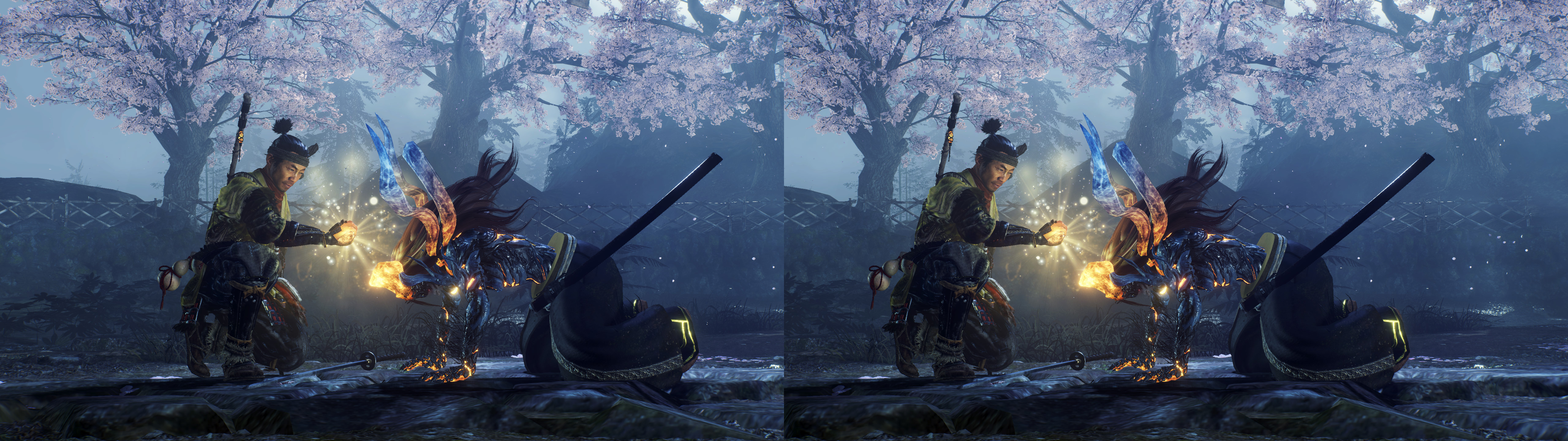
Update (2022-10-11): geo-11 fix added, with build v0.6.64. Temporal effect of volumetric fog fixes. Fixed all other remaining shader problems and HUD text. HUD tweaks. Autoconvergence configured and enabled by default.
Fixed- Haloing problems (smoke, water, refraction effects, etc).
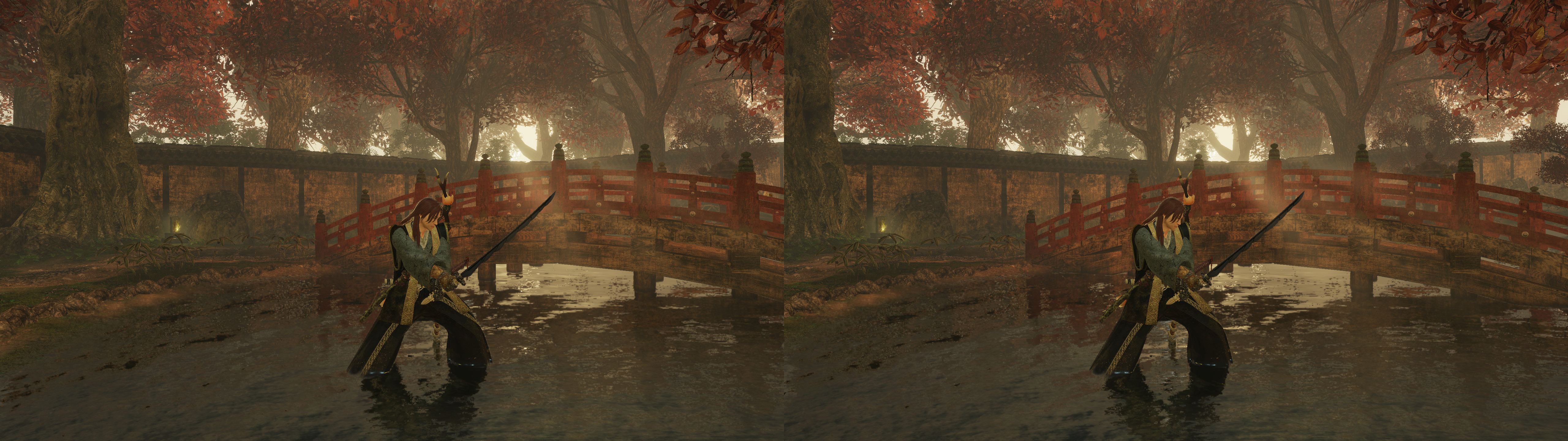
- Shadows, decals, and lighting.
- Volumetric lighting and fog.
- Clipping of lighting and decals.
- Water reflections.
- Skyboxes, sun and moon.
- Screen space reflections.
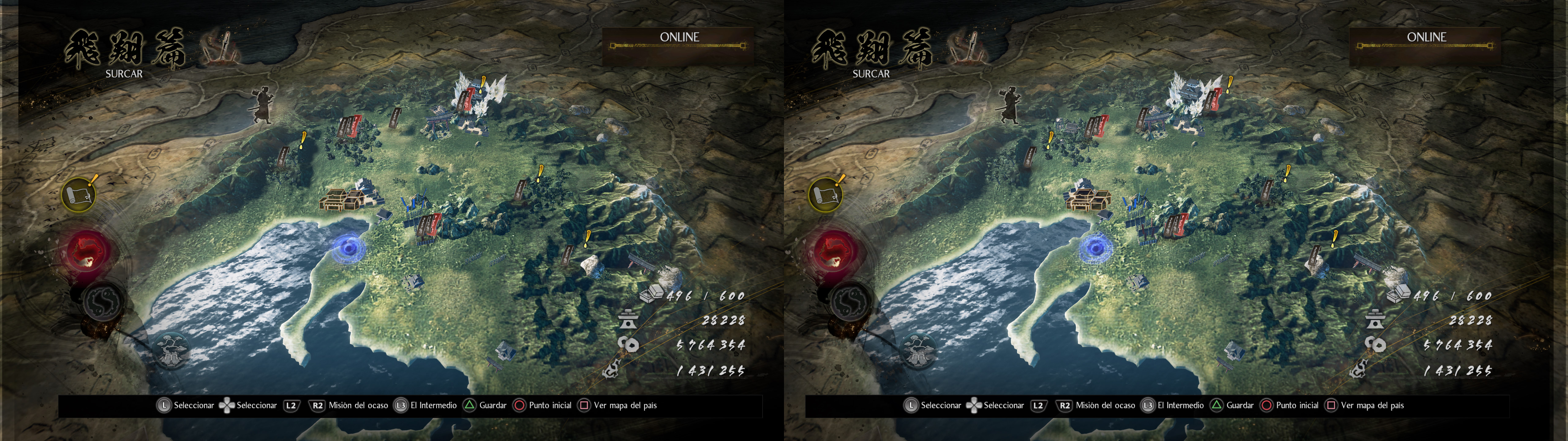
- World map.
- Some geometry that was double stereoized.
- Distortion effect.
- Tweakable HUD depth and toggling. Crosshair is at more depth than the rest and isn't affected by the HUD depth hotkey.
- Autoconvergence configured for slow transitions, with an automatic preset for cutscenes that changes how autoconvergence is configured (lower max limit and faster transitions). This preset also makes HUD be at screen depth for better subtitle readability. Also another preset that makes world map convergence be higher.
Installation-
geo-11, with build v0.6.64: download
this file and extract its contents in the "
Nioh2" folder, where "
nioh2.exe" is. Remember to edit "d3dxdm.ini" to change your "direct_mode" to the output you need. For 3D Vision monitors, use "nvidia_dx11" and preferably set "upscaling = 1" in "d3dxdm.ini". The "nvidia_dx9" mode doesn't work currently.
- (3D Vision fix, outdated): download
this file and extract its contents in the "
Nioh2" folder, where "
nioh2.exe" is.
- Launch the game and let it overwrite the profile.
- Do not use 1366x768 resolution specifically.
Recommendations
- (3D Vision, old) Never disable 3D or alt+tab while playing unless you are in Nvidia Ansel mode (paused game in photo mode). Doing that will make trees and grass desynchronize between the eyes.
- Don't use the ingame 120fps cap. It will make anything under 60fps run at lower speed than normal. Better use the 60fps cap.
- You can use borderless fullscreen and it will still trigger 3D Vision. Just like exclusive fullscreen, but more alt+tab friendly (if you remember to use Ansel before doing that).
Hotkeys
- F1: convergence presets (0, 1, 40, 80, 160, 240, 320). 320 by default. However, there are two or three missions that incorrectly trigger the low convergence preset because the depth of field shader is present. These presets don't do anything when using autoconvergence (enabled by default).
- F2: HUD depth presets. 40% depth by default.
- F3: HUD toggle. Not disabled by default.
- F4: depth of field toggle. Not disabled by default.
- 5 (not the numpad): bloom toggle. Not disabled by default.
- 6 (not the numpad): vignette toggle. Disabled by default. A second press also disables radial blur in the dark realm. The third press turns all vignette and radial blur on again.
-
7 (not the numpad): FXAA toggle. Disabled by default.
- 8 (not the numpad): screen space reflections quality toggle. Unmodified by default. This doesn't control resolution. It increases the amount of geometry reflected. There is a performance cost when you use this, maybe 15-20% extra GPU usage.
- XB_LEFT_TRIGGER (holding it): this increases HUD depth to 85% when you hold it, intended for aiming with long range weapons. Not needed anymore.
If you liked the fix and want to contribute for more future fixes, you can donate to this PayPal account: masterotakusuko@gmail.com



Comments
Post a Comment