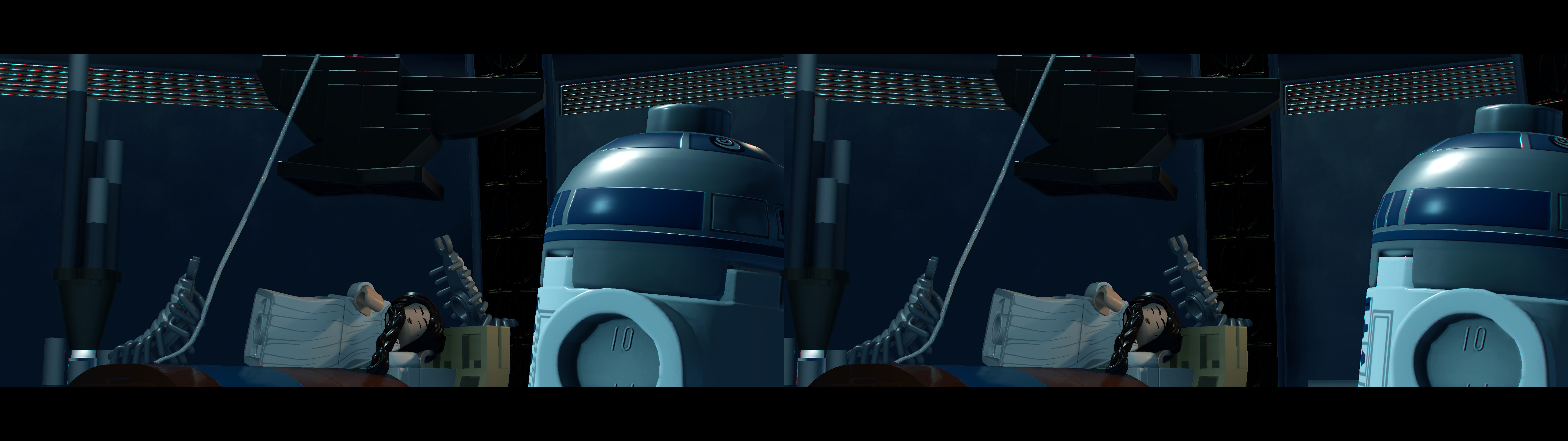
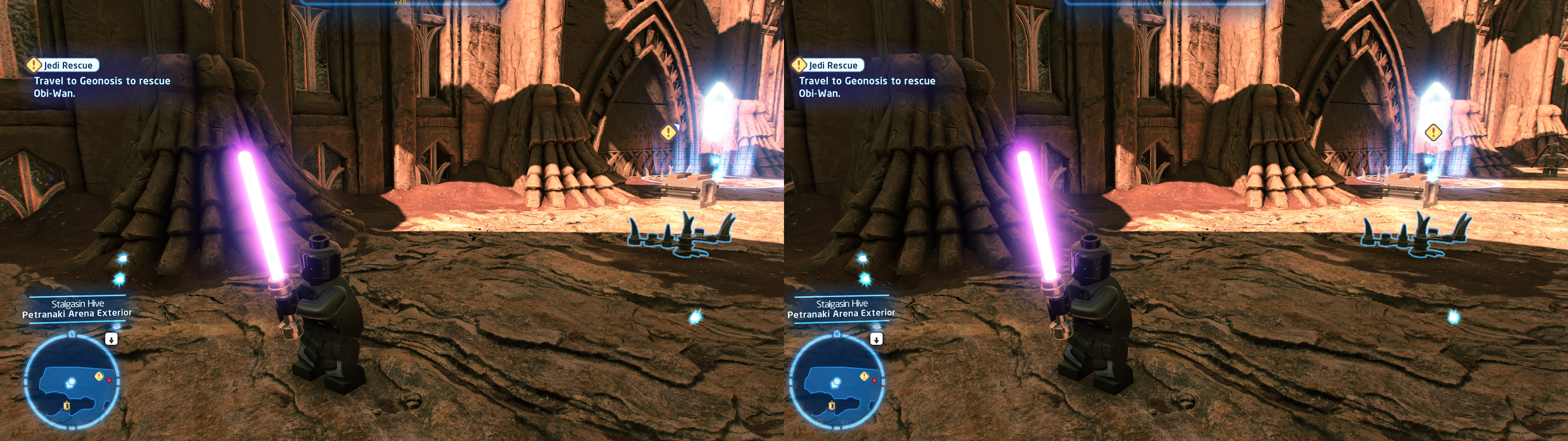
3D Vision fix for LEGO Star Wars: The Skywalker Saga.
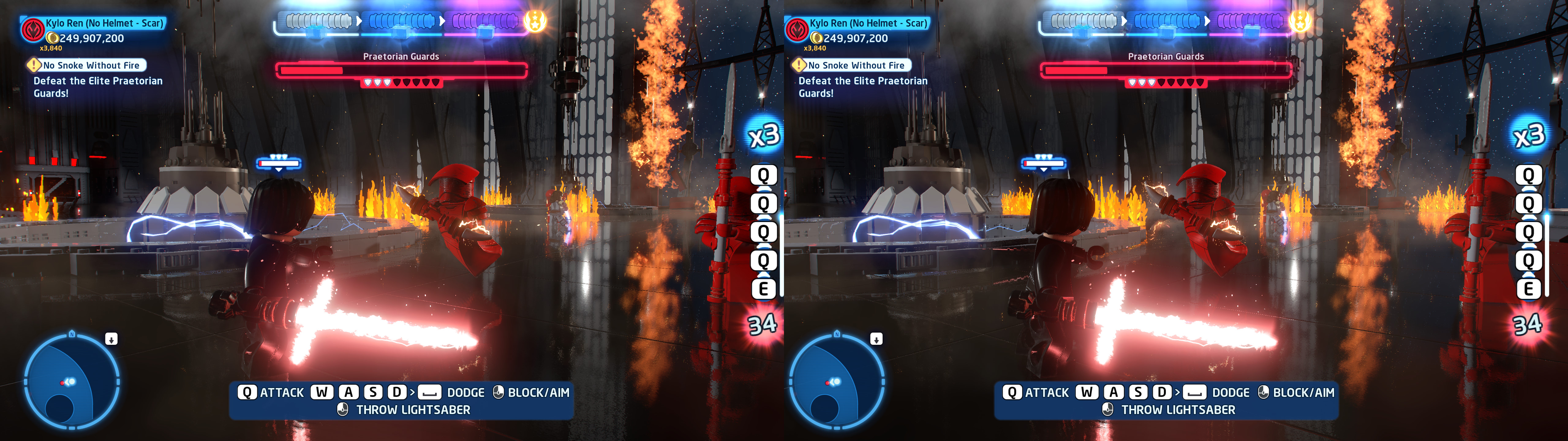
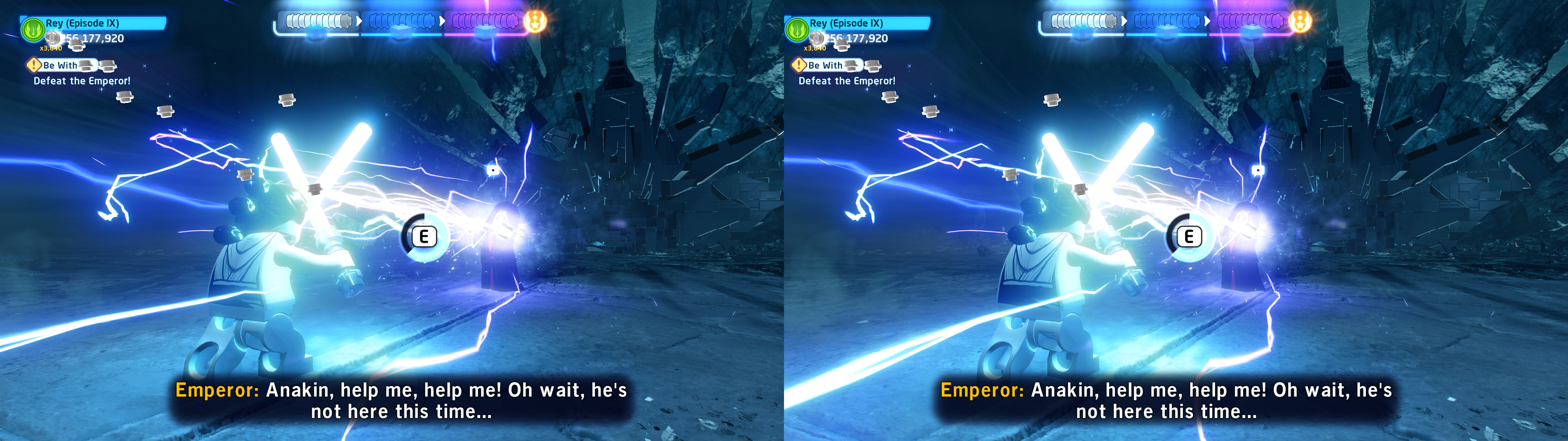
Update (2022-10-16): added geo-11 fix. Really big HUD overhaul. Fixed TAA and temporal effect of screen space reflections. Fixed a problem in the last battle of episode IX. Fixed some other effects that I missed the first time. Performance improvement by replacing some configurations.
Update (2022-05-21): fixed a mistake in one regex, where I commented the wrong line.
Update (2022-05-20): after the last game update to this date, they made the motion blur option work. That needed fixing for 3D, and it's fixed now.
Fixed- Disabled (by default) barrel distortion and vignette, which are inherently problematic for 3D.
- Haloing problems.
- Shadows.
- Lighting.
- Sky lighting and stars skybox.
- Decals.
- Screen space reflections and their temporal effect.
- Radial blur.
- Stereoized parallax occlusion mapping.
- Realistic specular reflections.
- Water.
- Sun lens flares and its occlusion.
- Light shafts.
- Particles that appeared only on one eye.
- Motion blur.
- Temporal anti-aliasing. But I don't recommend it because it's very blurry.
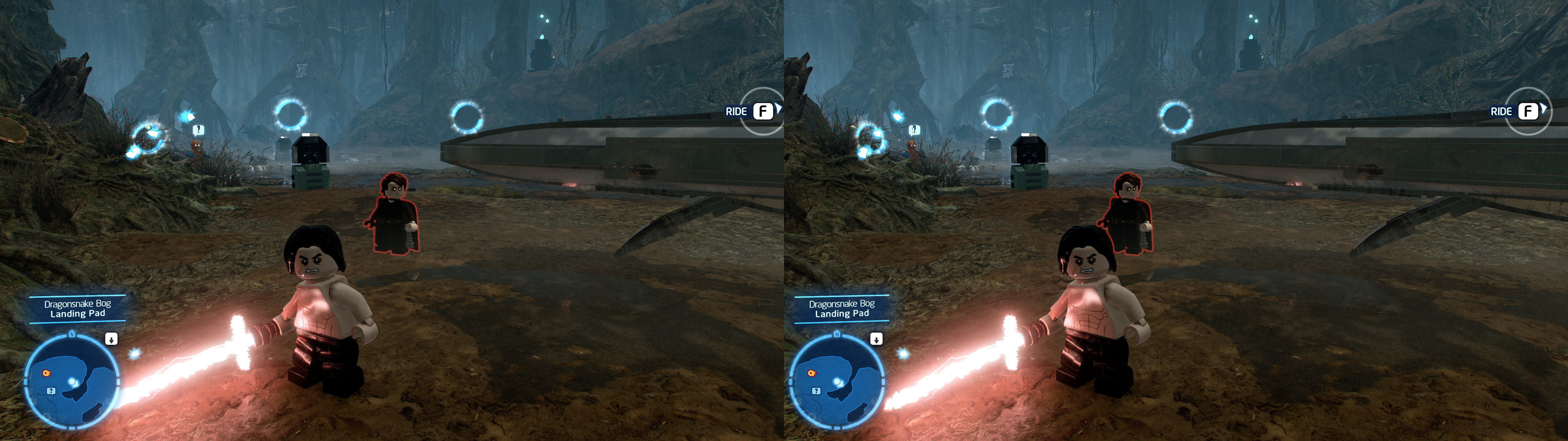
- Dynamic crosshair and dynamic depth for some icons.
- Autoconvergence configured.
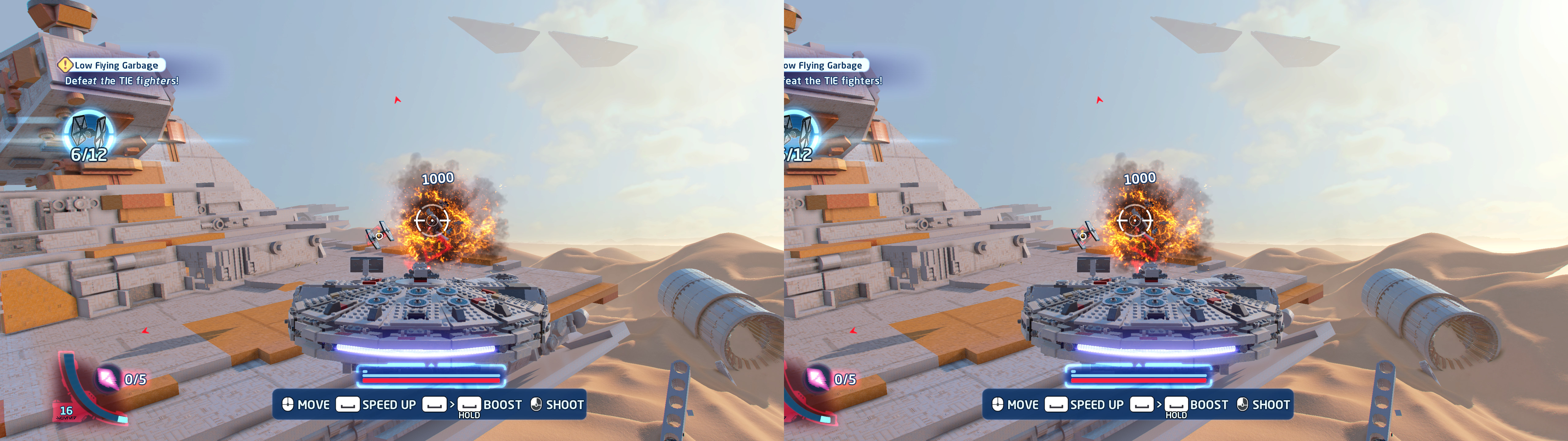
- Automatic preset for space battles (and similar things) where all the HUD becomes dynamic.
Known issues
- There are two small broken things (some floor water and some buildings) during two specific cutscenes of episodes VIII and IX respectively. The game doesn't let you pause during cutscenes and those are very very short, so I don't have any real time to dump those shaders and fix them.
- Some decals, although fixed, may remain on the ground when they shouldn't, instead of disappearing. This is because for them to be visible in 3D in the first place I had to comment some lines that caused it.
- When playing in multiplayer, crosshair depth is inaccurate (the second player is affected by where player one is aiming), although it isn't a deal breaker at all.
Installation-
geo-11 (with build v0.6.64): download
this file and extract its contents in the "
LEGO Star Wars - The Skywalker Saga" folder, where "
LEGOSTARWARSSKYWALKERSAGA_DX11.exe" is. Remember to edit "d3dxdm.ini" to change your "direct_mode" to the output you need. It's "sbs" by default. "nvidia_dx9" may be buggy sometimes.
- 3D Vision (older fix): download this file and extract its contents in the "LEGO Star Wars - The Skywalker Saga" folder, where "LEGOSTARWARSSKYWALKERSAGA_DX11.exe" is.- Launch the game and let it overwrite the profile if it asks about it.
- I recommend configuring the game to use borderless to allow easy alt+tab.
Hotkeys
- F1: convergence presets (0, 0.3, 0.5, 1, 1.3, 2, 3). 1 by default, which I recommend for on foot gameplay. For multiplayer I recommend 1.3 because it puts the middle bar at screen depth, and for spaceship battles I recommend at least 3.
- 5 (not the numpad): HUD depth presets for static elements (it doesn't always work). Screen depth by default.
- 6 (not the numpad): HUD toggle. Not disabled by default. Keep in mind that this also disables menus.
- 7 (not the numpad): space mode where all the HUD is at dynamic depth.
- 8 (not the numpad): depth of field toggle. Not disabled by default.
- 9 (not the numpad): vignette toggle. Disabled by default, because it's annoying in 3D.
- 0 (not the numpad): barrel distortion toggle. Disabled by default, because it's annoying in 3D. I recommend leaving it disabled because it's an effect that removes some screen content and makes the rest look like lower resolution.
Notes
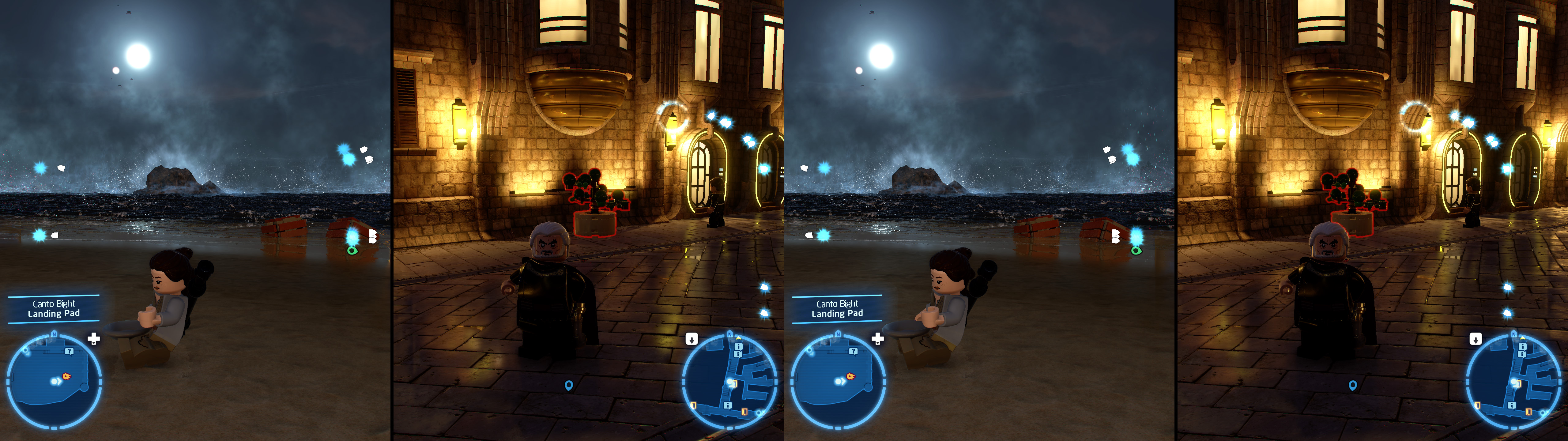
- In multiplayer (split screen), maximum separation is halved, so you may need to use higher convergence to compensate.
If you liked the fix and want to contribute for more future fixes, you can donate to this PayPal account: masterotakusuko@gmail.com


Comments
Post a Comment