Pinned Post

Devil May Cry 5

3D Vision and geo-11 fix for Devil May Cry 5. Many thanks to everyone that helped with testing, fixing and counseling (Helifax, DarkStarSword, Schwing, Kaimasta, etc). Update (2023-02-14) : reenabled a fix that I disabled by accident. Fixed one shader related to interlaced mode. Update (2023-02-12) : added geo-11 fix. Fixed TAA (including the temporal part of reflections), motion blur and interlaced mode in a more proper way. Fixed volumetric lighting clipping. Configured autoconvergence. HUD adjustments. Fixed some other minor problems. Stereoized vignette (if you enable the effect). Update (2022-01-11) : fixed TAA and interlaced mode, fixed lens flares, improved radial blur, stereoized more specular reflections, optimized regexes, put the clipping area of volumetric lighting to full depth (especially helps cutscenes), fixed more haloing problems, and fixed some fog related to volumetric lighting. Update (2019-12-21) : fixed volumetric lighting. Some glass now has realistic depth for ...
DOOM 64 [DX11]


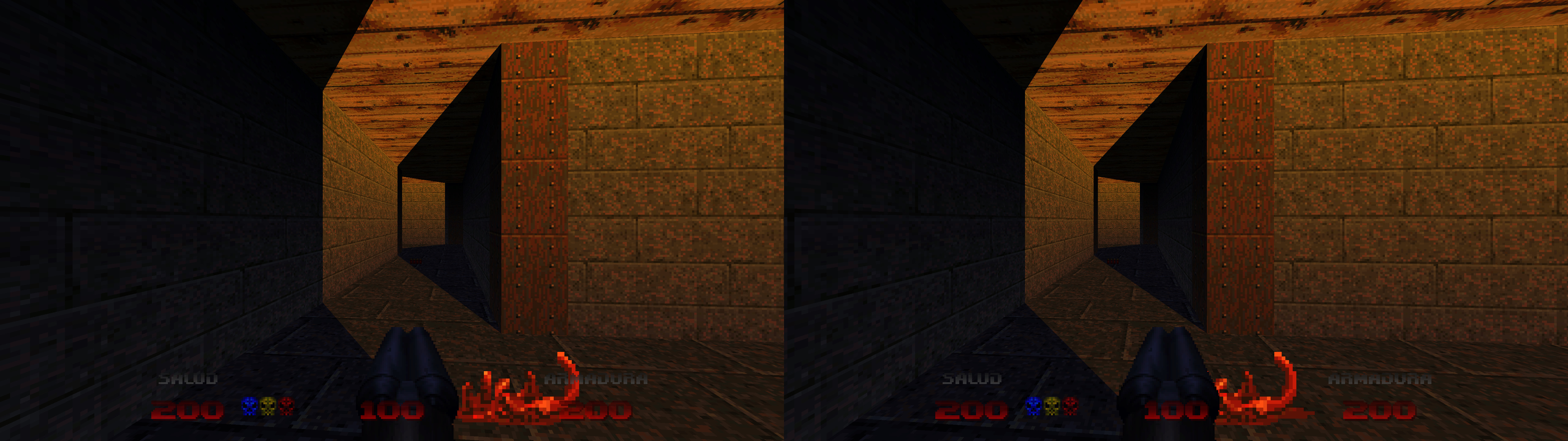
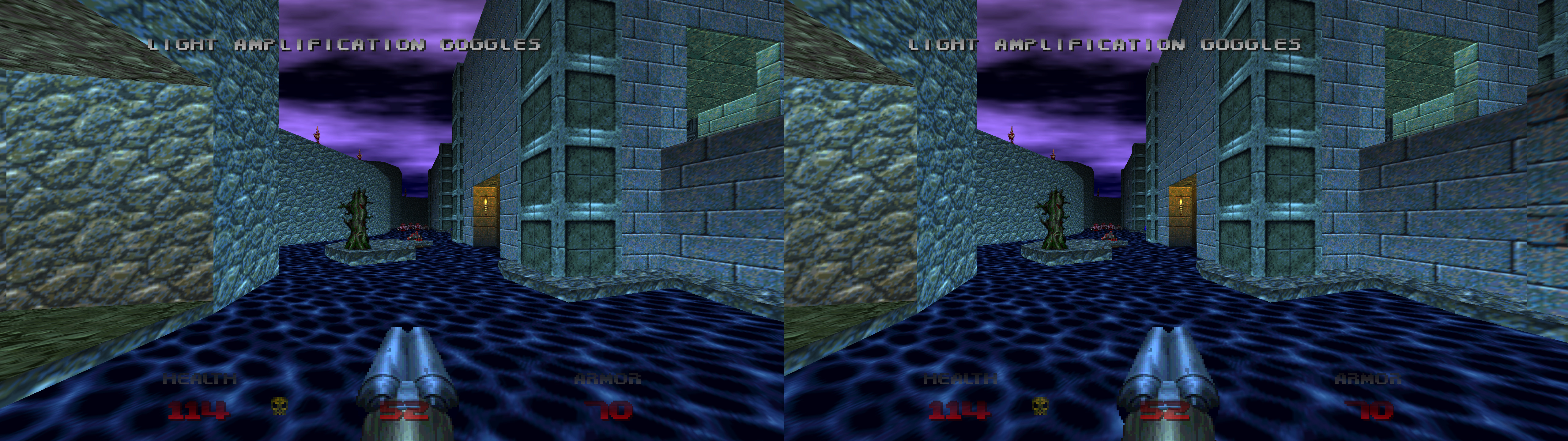
geo-11 fix for DOOM 64, the official PC port. Only for the DirectX 11 graphics API.


Fixed
  • Stereoized geometry.
  • Skyboxes and other background elements pushed to full depth.
  • Separate weapon and HUD depth options.


Known issues
  • Something I can't fix is that the game has aggressive geometry culling, making some parts of geometry invisible when it can't be seen in 2D but "should" be seen in 3D.


Installation
  • Download this file (contains geo-11 build v0.6.58) and extract its contents in the "DOOM 64" folder, where "DOOM64_x64.exe" is. Remember to edit "d3dxdm.ini" to change your "direct_mode" to the output you need. It's sbs by default. For 3D Vision monitors, use fullscreen ingame and "direct_mode = nvidia_dx11" in "d3dxdm.ini". "direct_mode = nvidia_dx9" has black screen problems at this moment.
  • Run the game and set "OPTIONS -> VIDEO -> Graphics API -> DirectX 11".


Hotkeys
  • F1: convergence presets (16, 24). 16 by default.
  • F2: HUD depth presets (0%, 25%, 50%, 75%, 100%, -100%, -75%, -50%, -25%). 0% by default.
  • F3: weapon depth presets (0%, 25%, 50%, 75%, 100%, -100%, -75%, -50%, -25%). 25% by default.


If you liked the fix and want to contribute for more future fixes, you can donate to this PayPal account: masterotakusuko@gmail.com
Or you can join my Patreon: https://www.patreon.com/masterotaku

Comments

Popular Posts