Pinned Post

Devil May Cry 5

3D Vision and geo-11 fix for Devil May Cry 5. Many thanks to everyone that helped with testing, fixing and counseling (Helifax, DarkStarSword, Schwing, Kaimasta, etc). Update (2023-02-14) : reenabled a fix that I disabled by accident. Fixed one shader related to interlaced mode. Update (2023-02-12) : added geo-11 fix. Fixed TAA (including the temporal part of reflections), motion blur and interlaced mode in a more proper way. Fixed volumetric lighting clipping. Configured autoconvergence. HUD adjustments. Fixed some other minor problems. Stereoized vignette (if you enable the effect). Update (2022-01-11) : fixed TAA and interlaced mode, fixed lens flares, improved radial blur, stereoized more specular reflections, optimized regexes, put the clipping area of volumetric lighting to full depth (especially helps cutscenes), fixed more haloing problems, and fixed some fog related to volumetric lighting. Update (2019-12-21) : fixed volumetric lighting. Some glass now has realistic depth for ...
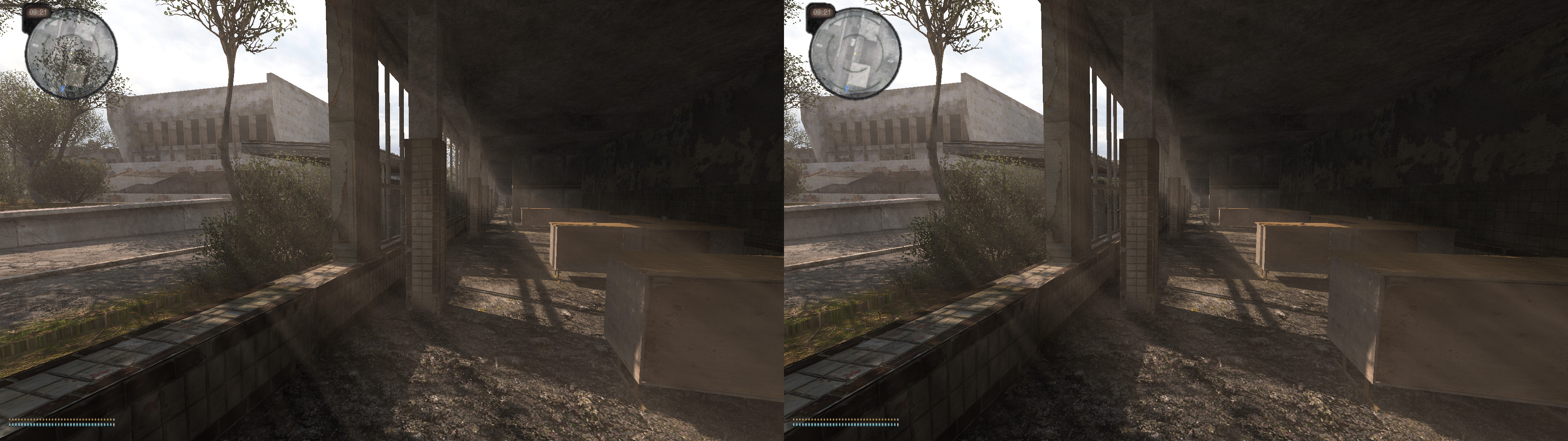
S.T.A.L.K.E.R. Anomaly [DX11]


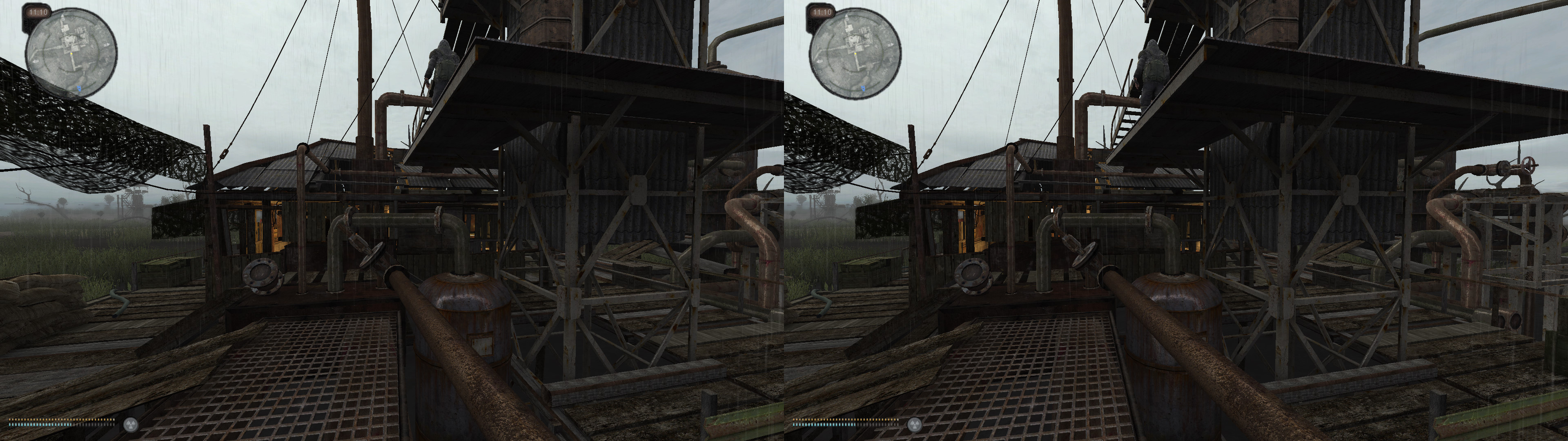
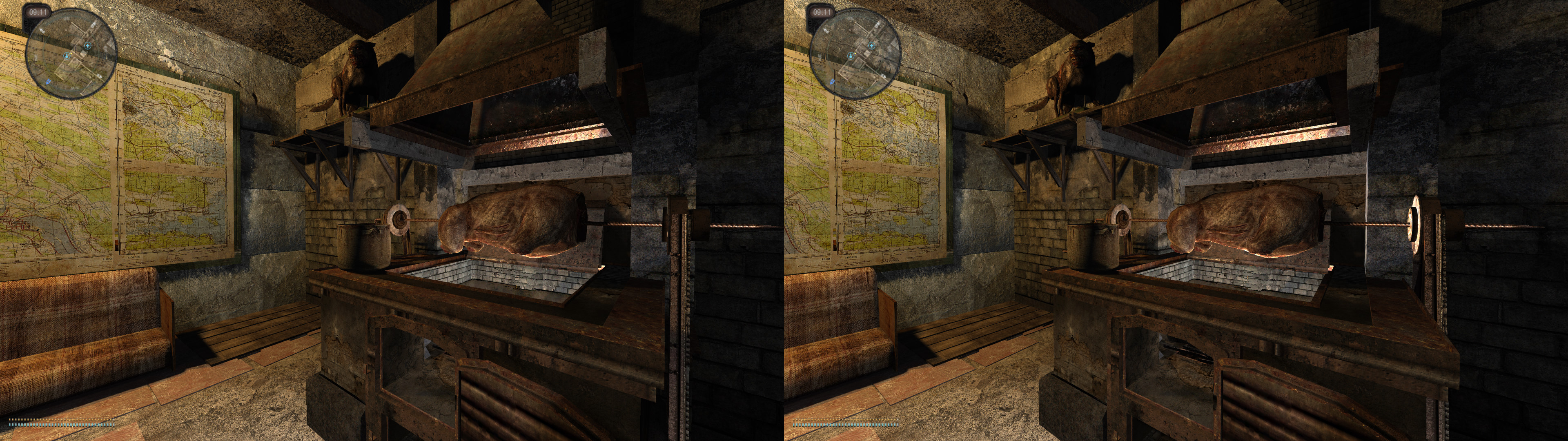
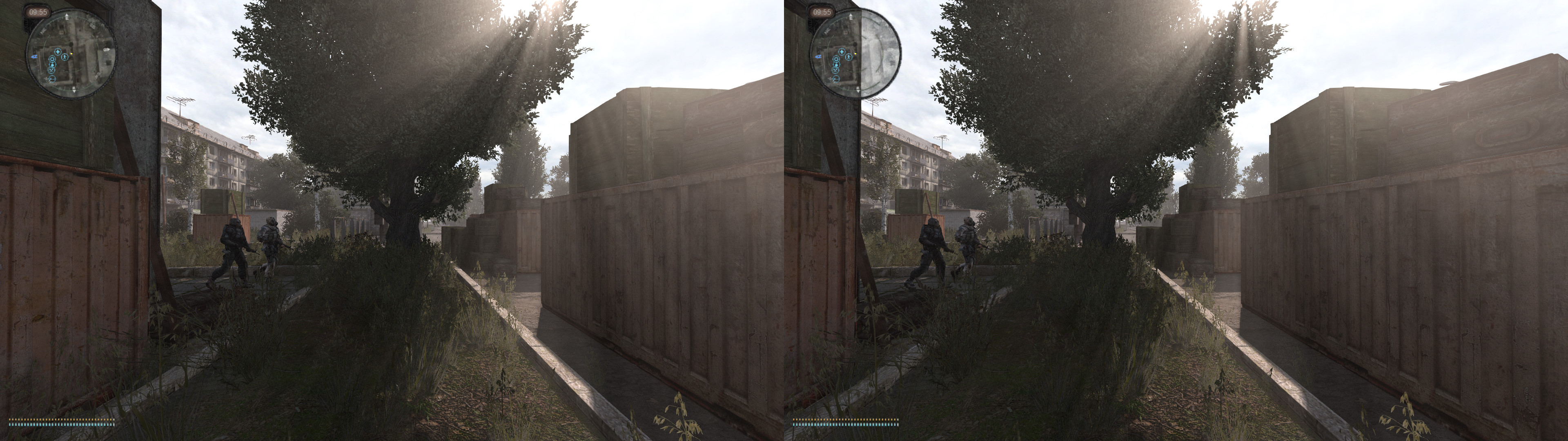
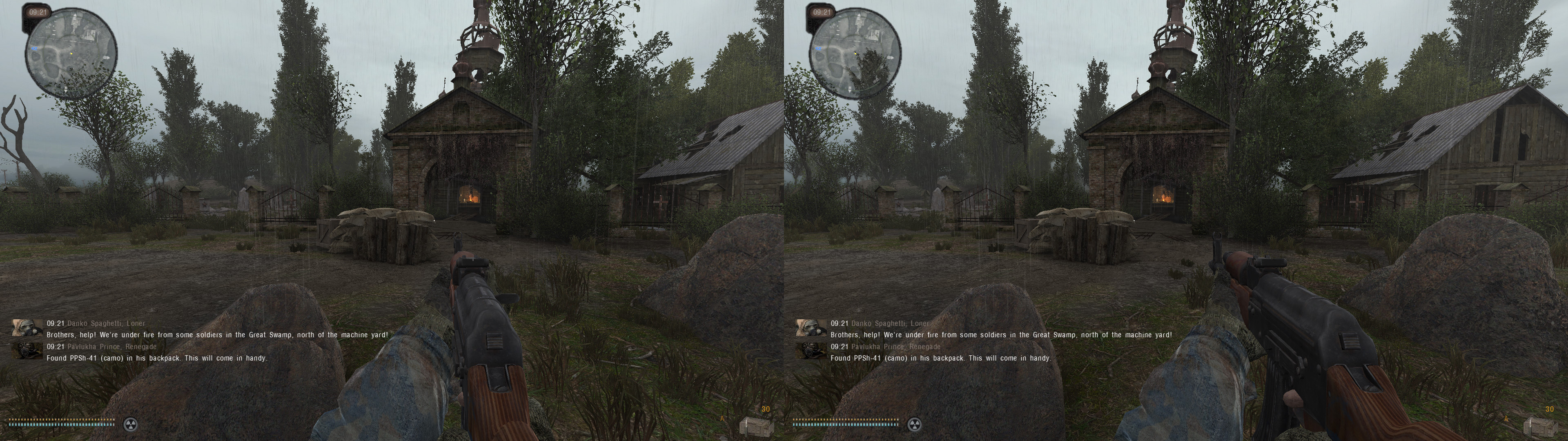
3DVision fix for S.T.A.L.K.E.R. Anomaly 1.5.1. Fixed by Kai and not by me (I'm just making the blog post according to his text, screenshots and fix file).


This game is a free standalone mod based on S.T.A.L.K.E.R.: Call of Pripyat and can be downloaded from here: https://www.moddb.com/mods/stalker-anomaly


Fixed

  • Haloing issues (based on DJ-RK's Call of Pripyat fix)
  • Shadows, lighting and decals (based on DJ-RK's Call of Pripyat fix)
  • Screenspace and volumetric sunrays
  • Specular reflections
  • Water reflections
  • Parallax bump mapping
  • Dynamic crosshair
  • Low convergence preset for the 3D PDA


Installation

Place contents of this fix into the "Stalker Anomaly\bin" folder.

In the Anomaly Launcher select the DirectX 11 Renderer and enable "Support for AVX CPU".

Run the game and set the following in Settings -> Visual -> Advanced:

  • Detail bump: Enabled
  • Steep parallax: Enabled
  • SSAO mode: Anything except SSDO

Pretty much everything else should work but I recommend turning down the Grass and Rendering Distance options as these have a lot of performance impact. Note that changing some of the graphics settings requires a restart, even if the game doesn't say so.

Also note that some alt tabbing is necessary to launch the game in Fullscreen mode, and the global driver hack needs to be enabled in 3DFM if you get a black screen.


Hotkeys

  • Backspace: Cycle convergence values
  • Right Mouse Button: Low convergence preset for aiming down sights


Other notes

  • Some textures may look funky due to the stereoized parallax bump mapping. Small price to pay for making them realistic.
  • Decals and shadows float a bit on certain surfaces. This is normal and it's just how they are rendered natively in 2D.
  • There are countless addons for this game so if you find anything cool that works with this fix make sure to leave a comment.

Comments

Popular Posts