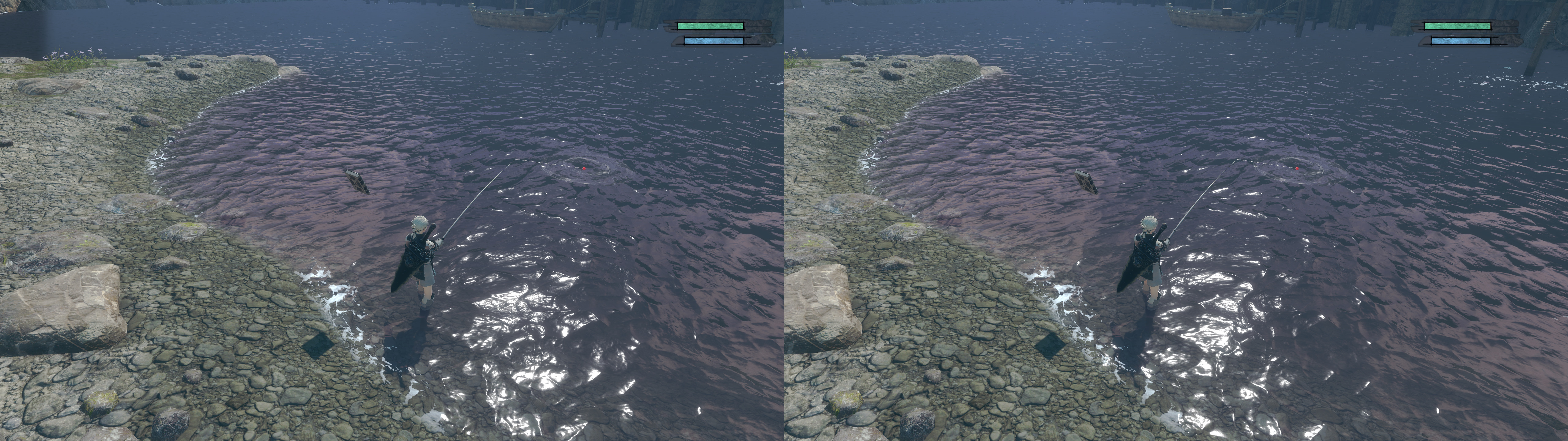
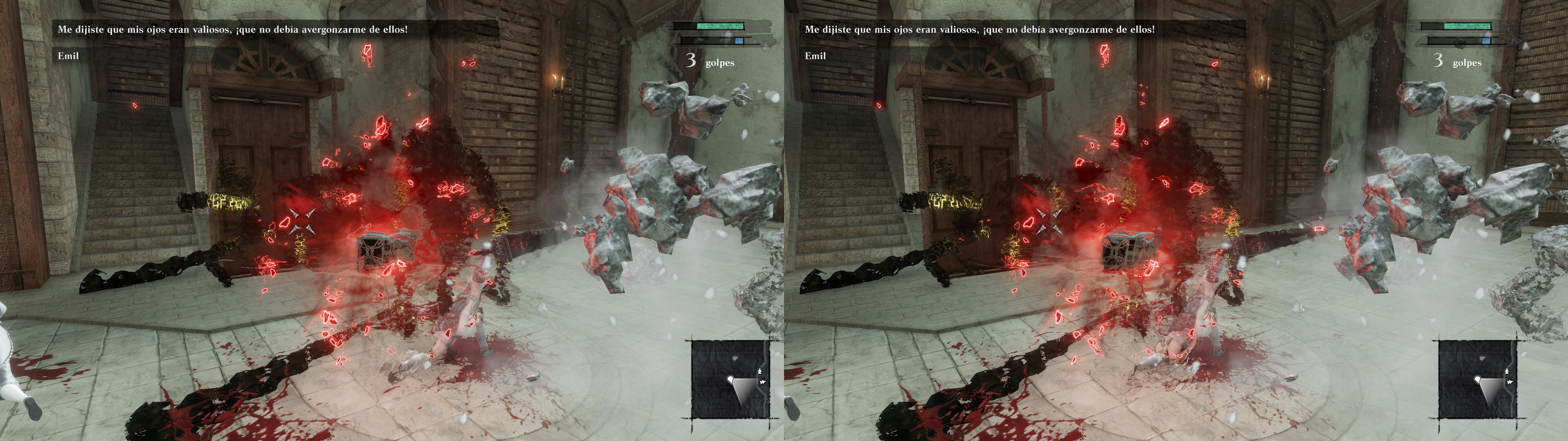
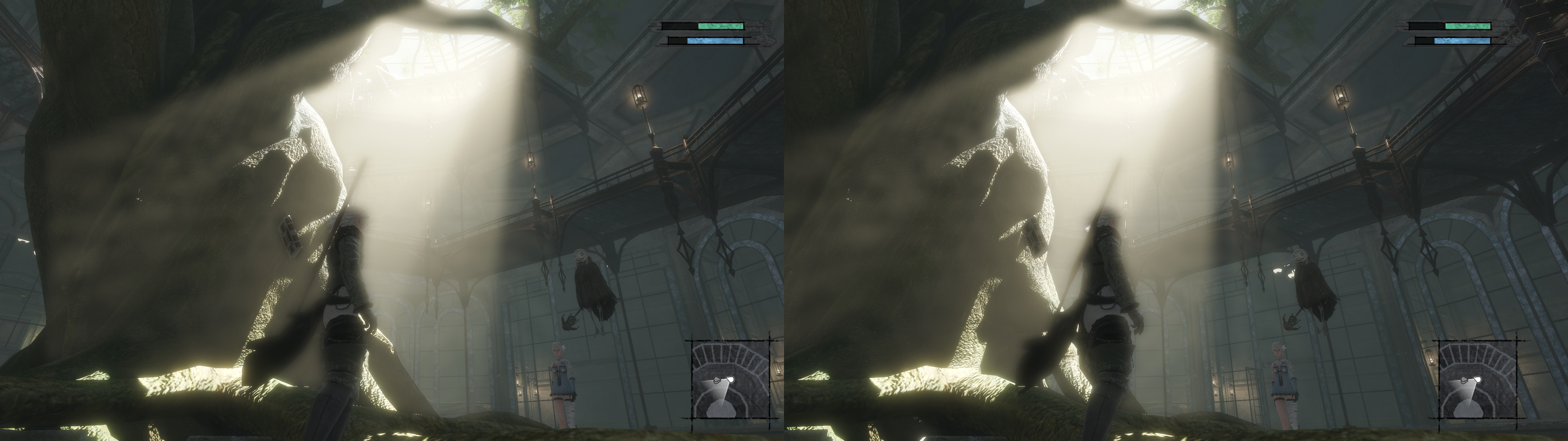
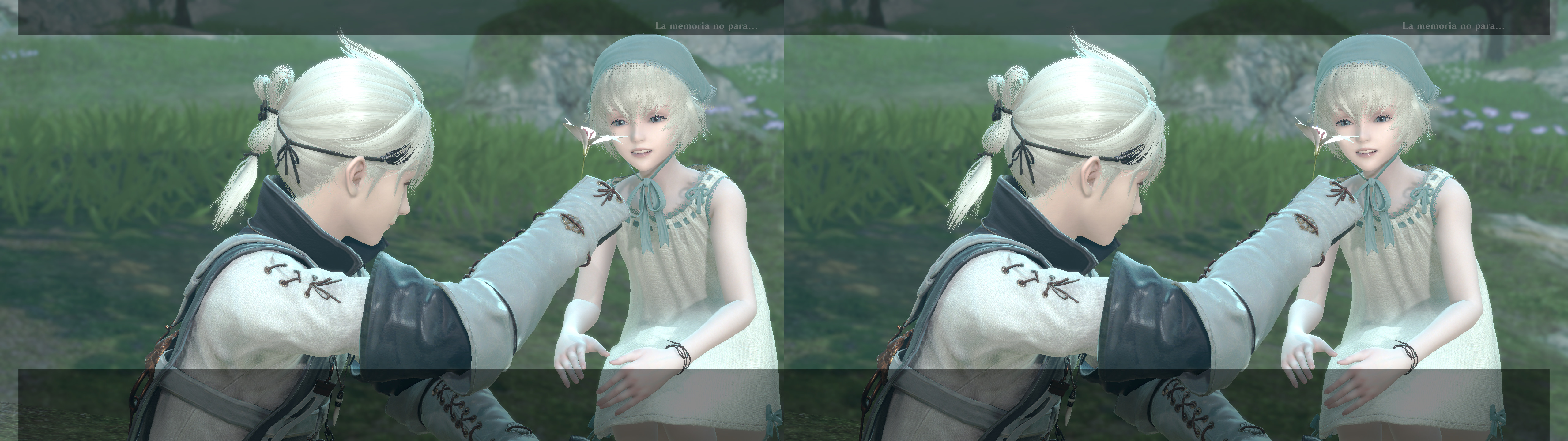
3D Vision fix for NieR Replicant. Tested most of the time at maximum settings.
Fixed- Haloing problems.
- Shadows.
- Lighting.
- Fog.
- Skybox.
- Volumetric lighting.
- Light shafts.
- Distortion effects.
- Screen space reflections.
- Stereoized specular reflections.
- Disabled barrel distortion, which is annoying in 3D.
Known issues
- Some effects can be a bit weird when some (very few) cutscenes tilt the camera. Cutscenes are unpausable and there isn't a free camera mode, so I can't reliably try to fix that.
Installation- Download
this file and extract its contents in the "
NieR Replicant ver.1.22474487139" folder, where "
NieR Replicant ver.1.22474487139.exe" is.
- Launch the game and let it overwrite the profile.
- Preferably play the game in borderless fullscreen windowed mode, which triggers 3D in this game (Windows 7 may not work right with that). That way you can alt+tab safely without crashes.
Update: as of the 1.0.3 patch, the game strangely limits the fps to 57. To restore the old behavior, save your game settings at least once after the update and go to the "C:\Users\XXXXX\Documents\My Games\NieR Replicant ver.1.22474487139\Steam\XXXXX" folder, open "drawing_settings.ini" and set "FpsControlDisable = 1".
Hotkeys
- F1: convergence presets (0, 0.5, 1, 2, 3). 2 by default. Depending on your convergence taste, something in the 2.5 to 3 range may be preferable for you for normal gameplay. Cutscenes will trigger a preset with 0.65 convergence.
- F2: HUD depth. 40% by default.
- F3: HUD toggle. Not disabled by default.
- F4: FXAA toggle. Disabled by default.
- F5: motion blur toggle. Disabled by default. It doesn't include motion blur from using magic, dodges, etc. Just the annoying camera motion blur.
- F6: depth of field toggle. Not disabled by default.
- 0 (not the numpad): bloom strength multipliers (x0, x0.25, x0.5, x0.75, x1, x1.5, x2). x1 by default.
Notes
- Don't ask me how to make it work alongside Special K or other mods.
- If the mouse cursor annoys you, open "d3dx.ini" and set "hide_cursor = 1" instead of 0. Press F10 if after that you made the change while playing.
If you liked the fix and want to contribute for more future fixes, you can donate to this PayPal account: masterotakusuko@gmail.com


Comments
Post a Comment