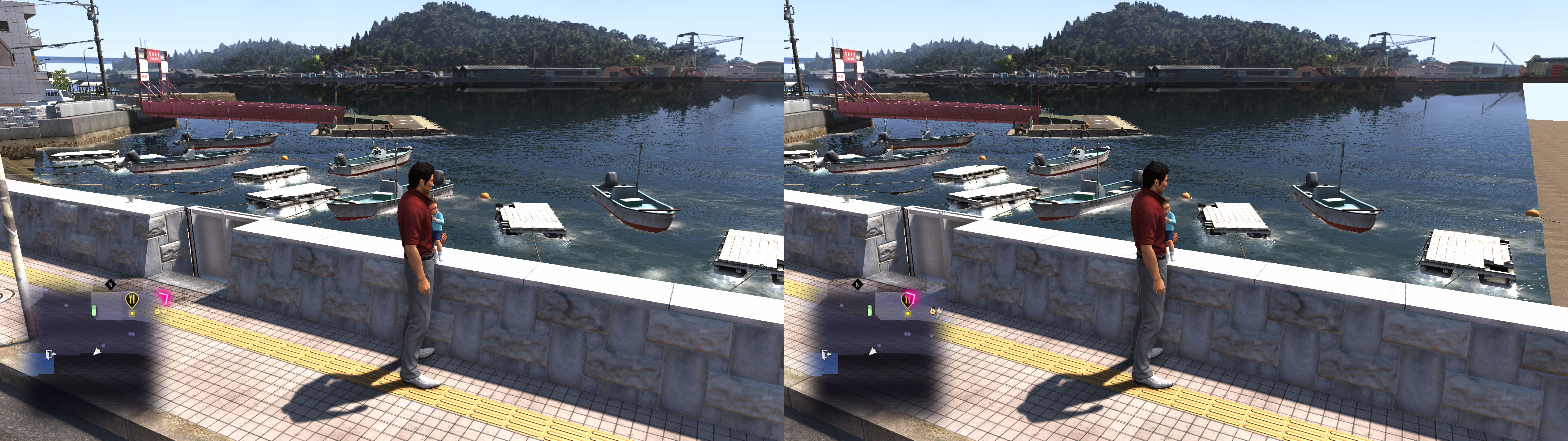
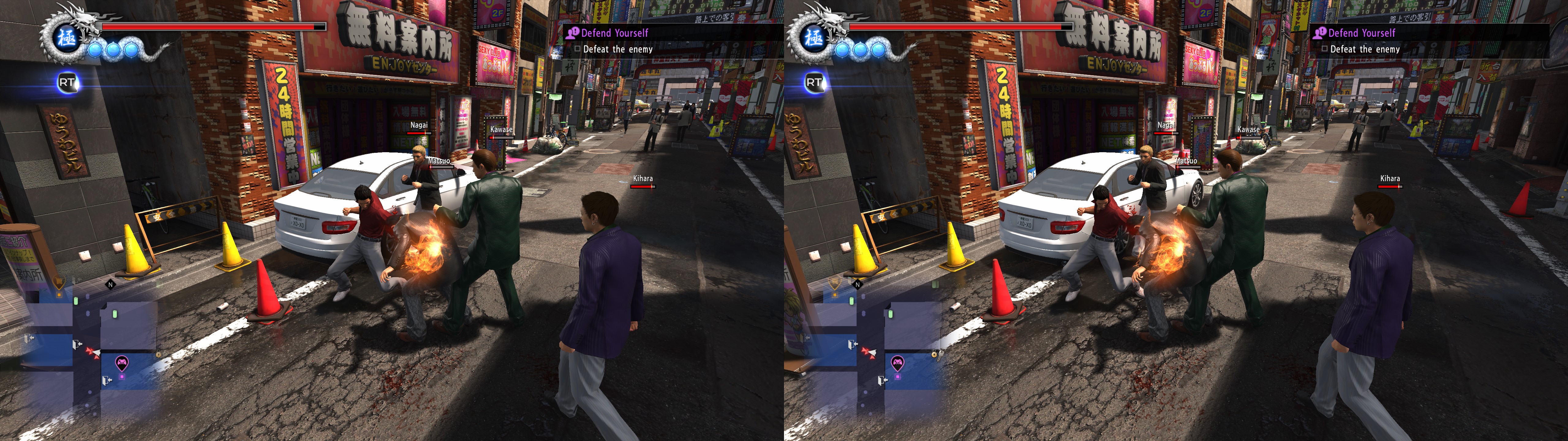
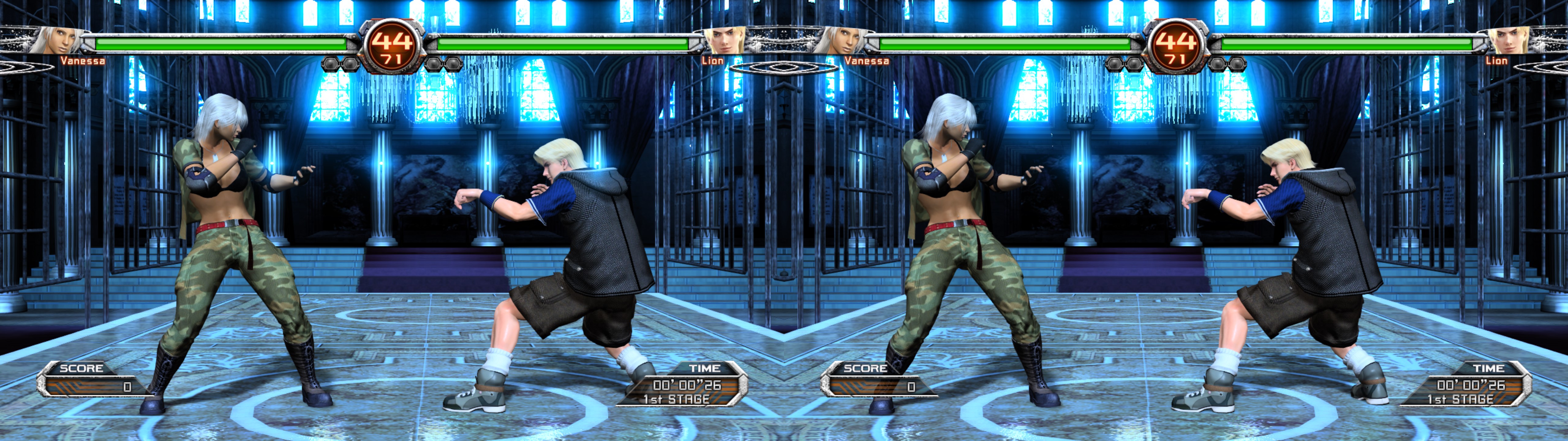
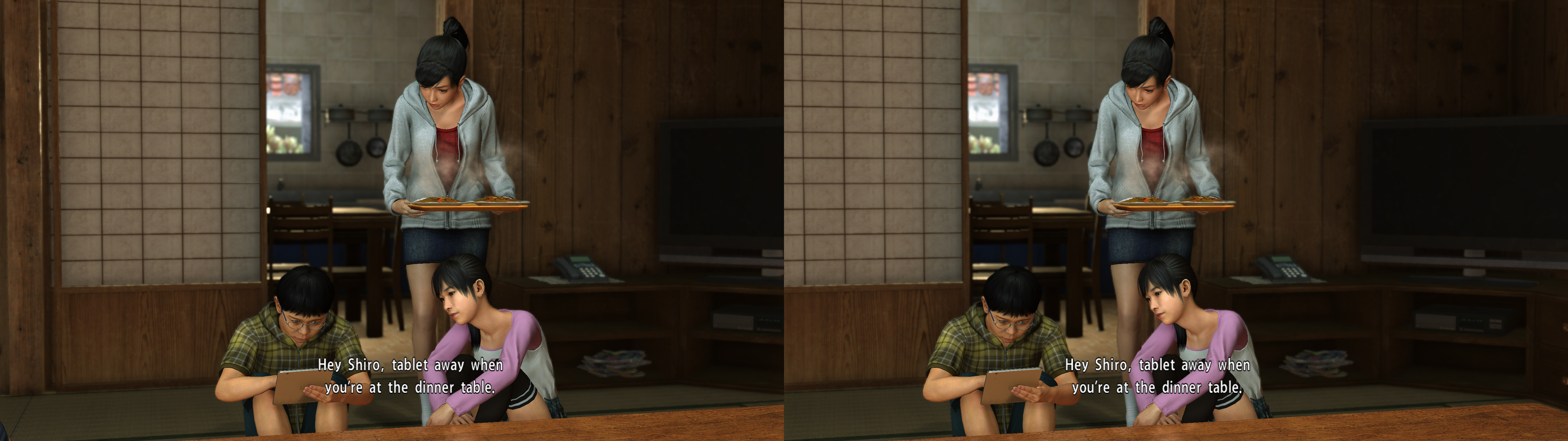
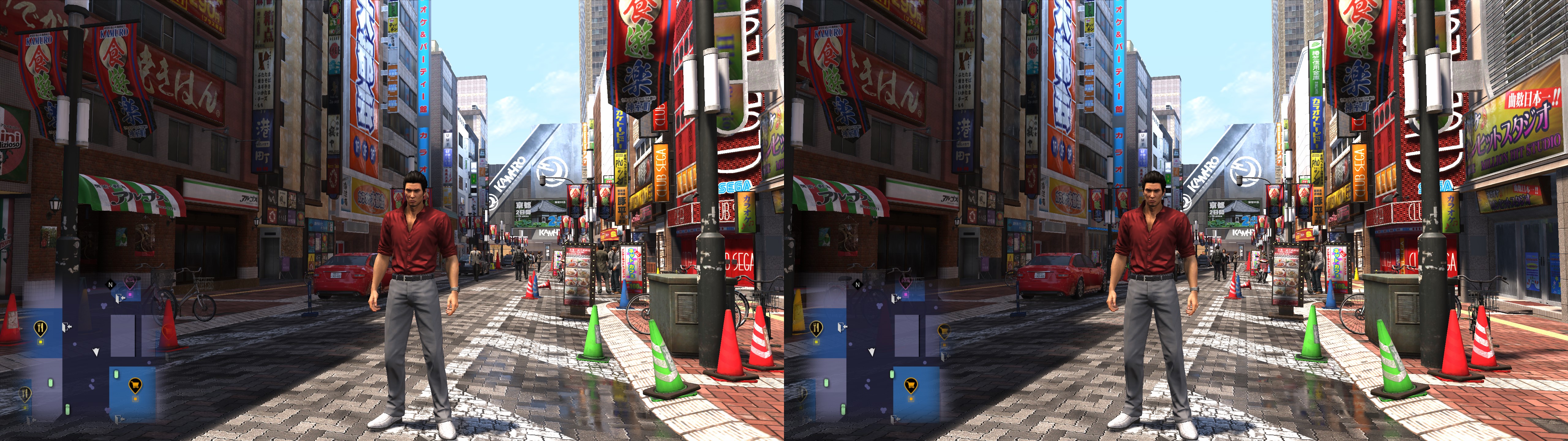
3D Vision fix for Yakuza 6: The Song of Life. It also fixes Virtua Fighter 5 in the arcade.
Fixed
- Shadows.
- Lighting.
- Light shafts.
- Clipping. Although there is a bit there if you use the maximum FOV setting.
- Sun light.
- Realistic specular reflections.
- Screen space reflections.
- Water and its related reflections.
- Blood.
- Decals.
- Haloing problems.
- HUD at depth with fixed clipping.
- Haloing fixes for Virtua Fighter 5.
- And more small fixes.
Known issues- Drink glasses are a bit imperfect.
- Real mirrors (there are very few) are inverted. I couldn't find a way to fix them without affecting the rest of the game.
Installation- Download
this file and extract its contents in the "
Yakuza 6 - The Song of Life" folder, where "
Yakuza6.exe" is.
- Run the game and let it overwrite the profile the first time.
-
IMPORTANT: in the ingame options, choose fullscreen.
Hotkeys (numbers aren't from the numpad)-
F1: convergence presets. The last one is OK for the clan creator mode.
-
XB_LEFT_THUMB (L3) or 3: low convergence (0.6) toggle, good for non important cutscenes that still trigger gameplay convergence, or for heat moves.
-
F2: HUD depth presets. 40% depth by default. It doesn't affect prerendered cutscenes, to avoid other unintended effects. When you play Virtua Fighter 5, better leave put this at screen depth to avoid some image cutting at the sides.
-
F3: HUD toggle. Not disabled by default.
-
F5: partial depth of field toggle (some closeups). Not disabled by default. Just use the ingame DoF setting if you want to disable it. Unused in Yakuza 6, probably.
-
F6: arcade scanlines toggle. Disabled by default. Unused in Yakuza 6.
-
1: arcade X aspect ratio presets. Full 16:9 screen by default. Unused in Yakuza 6.
-
2: arcade Y aspect ratio presets. Full 16:9 screen by default. Unused in Yakuza 6.
-
4: convergence and HUD depth preset made for the Majima Construction minigame in Yakuza Kiwami 2, and mostly OK for the clan creator mode in Yakuza 6.
If you liked the fix and want to contribute for more future fixes, you can donate to this PayPal account: masterotakusuko@gmail.com


Comments
Post a Comment