Pinned Post

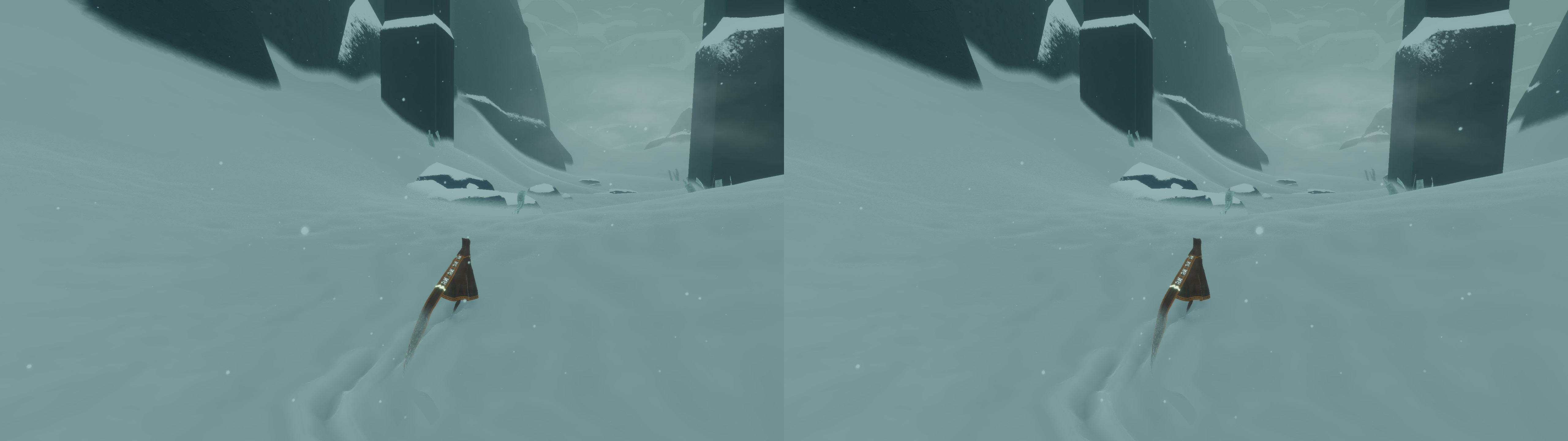
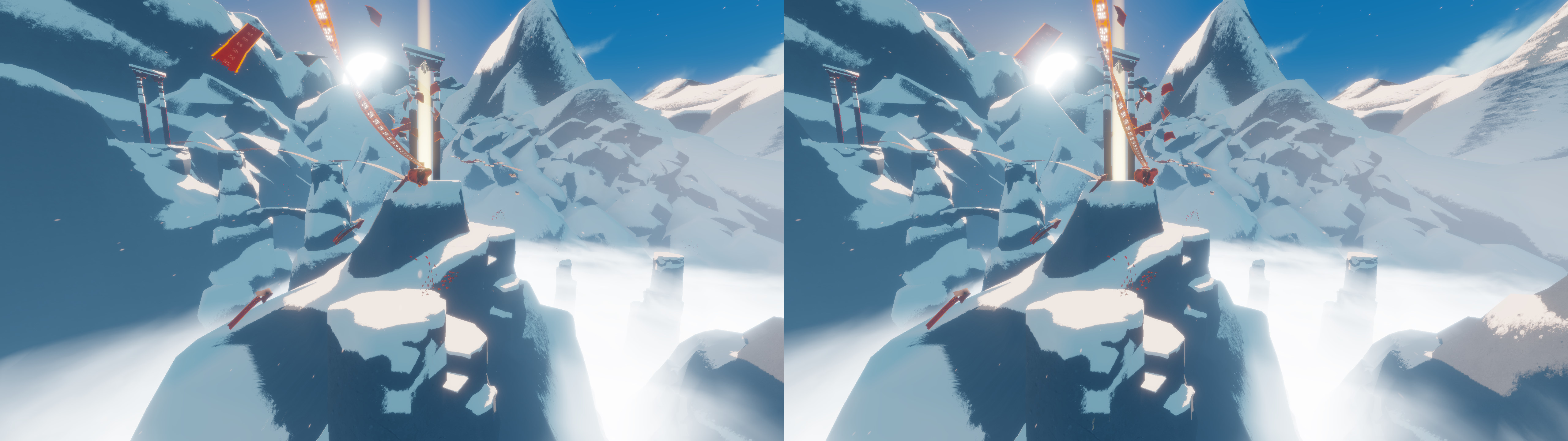
Devil May Cry 5

3D Vision and geo-11 fix for Devil May Cry 5. Many thanks to everyone that helped with testing, fixing and counseling (Helifax, DarkStarSword, Schwing, Kaimasta, etc). Update (2023-02-14) : reenabled a fix that I disabled by accident. Fixed one shader related to interlaced mode. Update (2023-02-12) : added geo-11 fix. Fixed TAA (including the temporal part of reflections), motion blur and interlaced mode in a more proper way. Fixed volumetric lighting clipping. Configured autoconvergence. HUD adjustments. Fixed some other minor problems. Stereoized vignette (if you enable the effect). Update (2022-01-11) : fixed TAA and interlaced mode, fixed lens flares, improved radial blur, stereoized more specular reflections, optimized regexes, put the clipping area of volumetric lighting to full depth (especially helps cutscenes), fixed more haloing problems, and fixed some fog related to volumetric lighting. Update (2019-12-21) : fixed volumetric lighting. Some glass now has realistic depth for ...
Journey


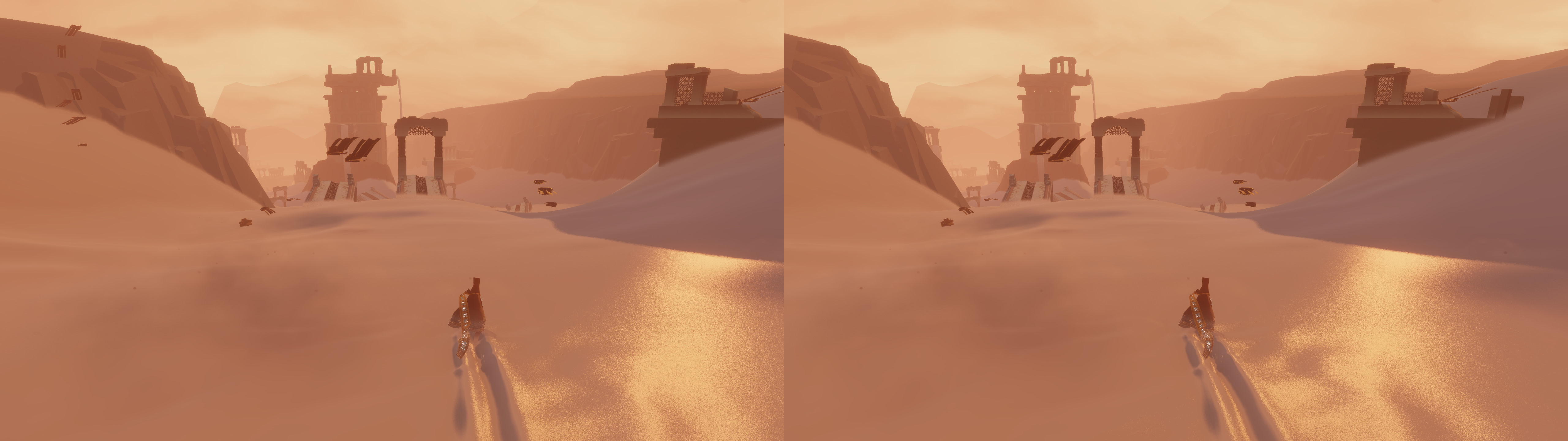
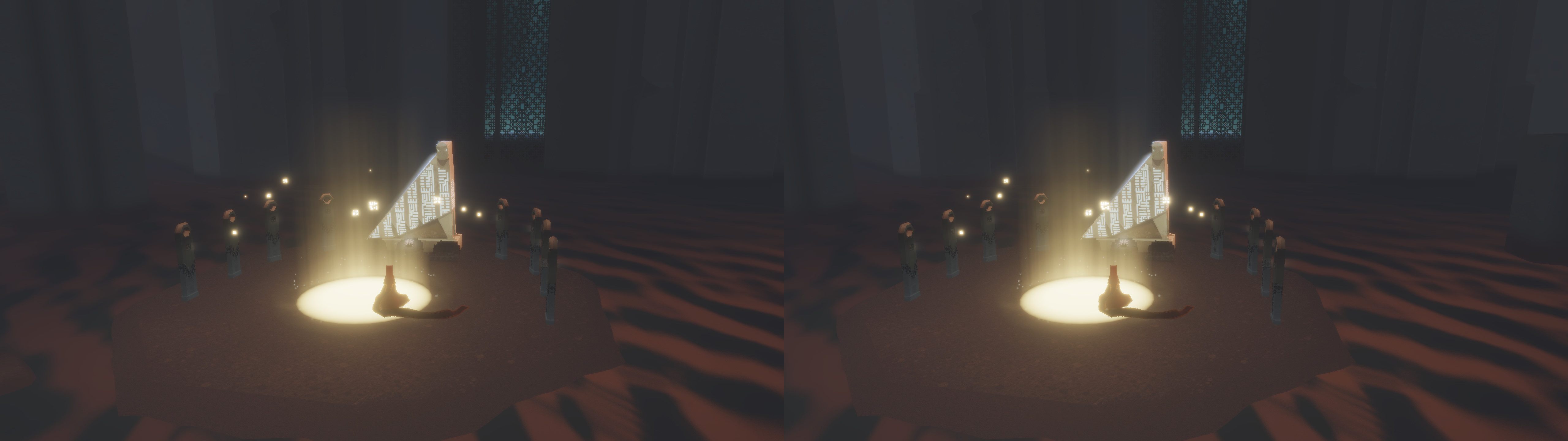
3D Vision fix for Journey. Tested entirely at ultra settings, and checked other settings sometimes. The game isn't demanding, so there's no reason to use anything lower than ultra.


Fixed
- Haloing problems.
- Shadows.
- Lighting.
- Fog.
- Stereoized specular reflections for sand and snow.
- Disabled barrel distortion, which is annoying in 3D.


Installation
- Download this file and extract its contents in the "Journey" folder, where "Journey.exe" is.
- Launch the game and let it overwrite the profile.
- Important: every time you launch the game, if you use purely 3D Vision, you need to press F7 to trigger fullscreen.


Hotkeys
F1 or XB_RIGHT_THUMB: convergence presets (0, 1, 2, 3). 2 by default.
F4: barrel distortion toggle. Disabled by default.
F5: vignette toggle. Not disabled by default. The game only darkens the corners in some zones, and the effect is also used in white to show where other people are.


If you liked the fix and want to contribute for more future fixes, you can donate to this PayPal account: masterotakusuko@gmail.com

Comments

Popular Posts