3D Vision fix for JoJo's Bizarre Adventure: All-Star Battle R. You need to circumvent EAC to be able to play with the fix.
No geo-11 fix at this moment, because it crashes no matter what. I'll update this post to add it when it's doable.
Fixed- A lot of layers stereoized by mistake by the game, especially with MSAA enabled.
- The World effects.
- 2D effects inside some objects (Iggy's sand, Esidisi's fire, Caesar's soap, etc).
- Haloing in one effect for Trish.
- Radial blur.
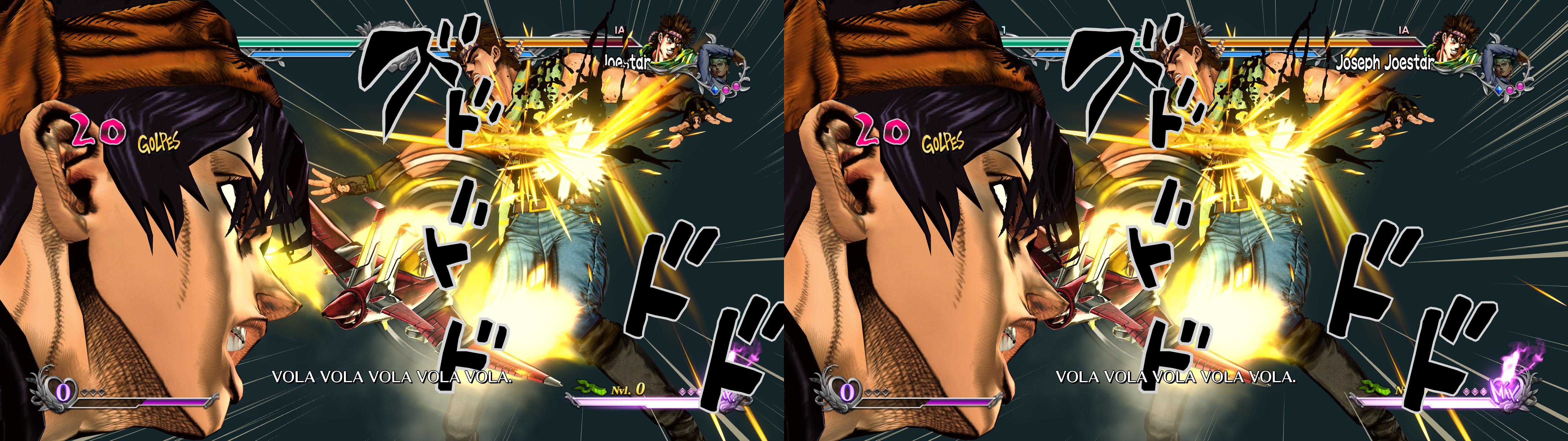
- Stereoization (approximate) for onomatopoeias, independently from the HUD.
- Stereoized specular reflections for water and other similar objects.
- Motion blur, apparently. It's hard to notice the before/after, so I'll assume it's OK.
Known issues- The lack of autoconvergence will have you pressing the convergence hotkey a lot.
Installation- Download this file and extract its contents in the "JoJo's Bizarre Adventure All-Star Battle R" folder, where "ASBR.exe" is.
- Now you need to disable EAC. Start by renaming the "start_protected_game.exe" file (bear icon) to something else.
- Make a copy of "ASBR.exe" and call it "start_protected_game.exe".
- Run the game by executing that fake "start_protected_game.exe" directly.
Hotkeys- F1 or XB_RIGHT_THUMB: convergence presets (50, 300). 300 by default. The other setting is meant for character intros and final attacks.
- F2: HUD depth presets (0%, 25%, 50%, 75%, 100%). 0% by default.
- F4: FXAA toggle. Disabled by default, because it blurs the game too much and the game also has MSAA as an option.
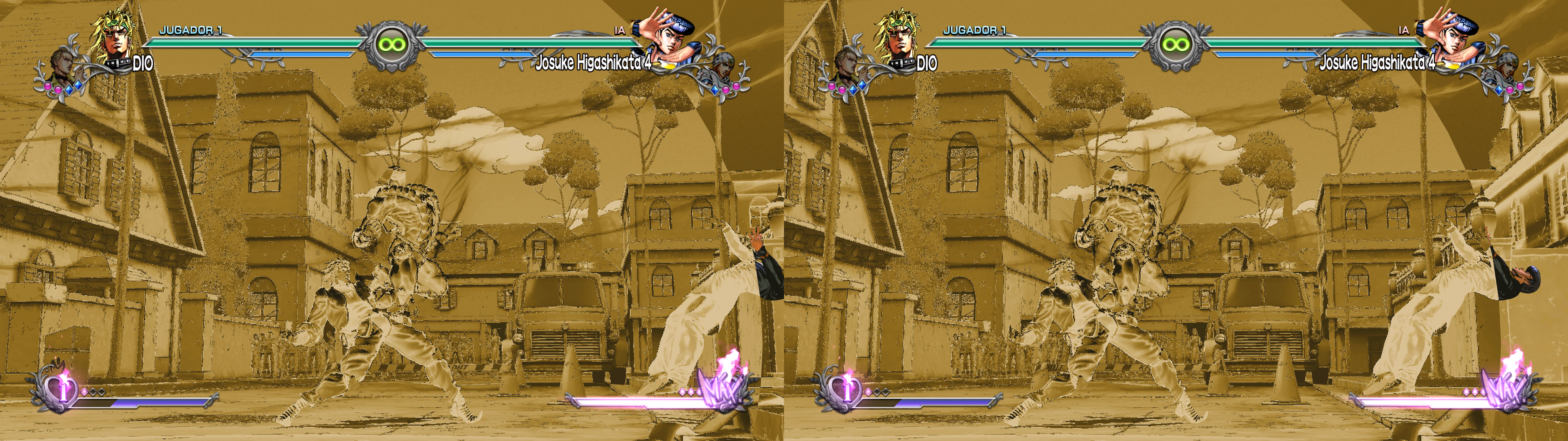
- F5: toggle for a low brightness effect that some attacks have (like the "brightness censorship" used in TV anime). Disabled by default.
- F6: cel shading toggle. Not disabled by default. Not recommended.
- 0 (not the numpad): character speculars toggle, which gives them more of a plain (and lower brightness) look. Not disabled by default. Not recommended.
Recommendations- Don't underestimate the requirements of MSAA in this game. 8xMSAA is too much for a 2080Ti at 2560x1440. Lower settings (especially disabled) are much more manageable.
- Important: cap your fps to 60 with RTSS, the Nvidia fps limiter or whatever you can use. Otherwise, one CPU core will be at 100% usage and very hot.
If you liked the fix and want to contribute for more future fixes, you can donate to this PayPal account:
masterotakusuko@gmail.com



Comments
Post a Comment