3D Vision fix for Turok: Dinosaur Hunter (2015). It's only for the 2015 remaster running in DX11 mode, not for the original game.
Update (2022-06-02): fixed water surface, and improved dynamic crosshair and HUD performance a lot (now I don't give an option for the number of samples because 300 are enough).
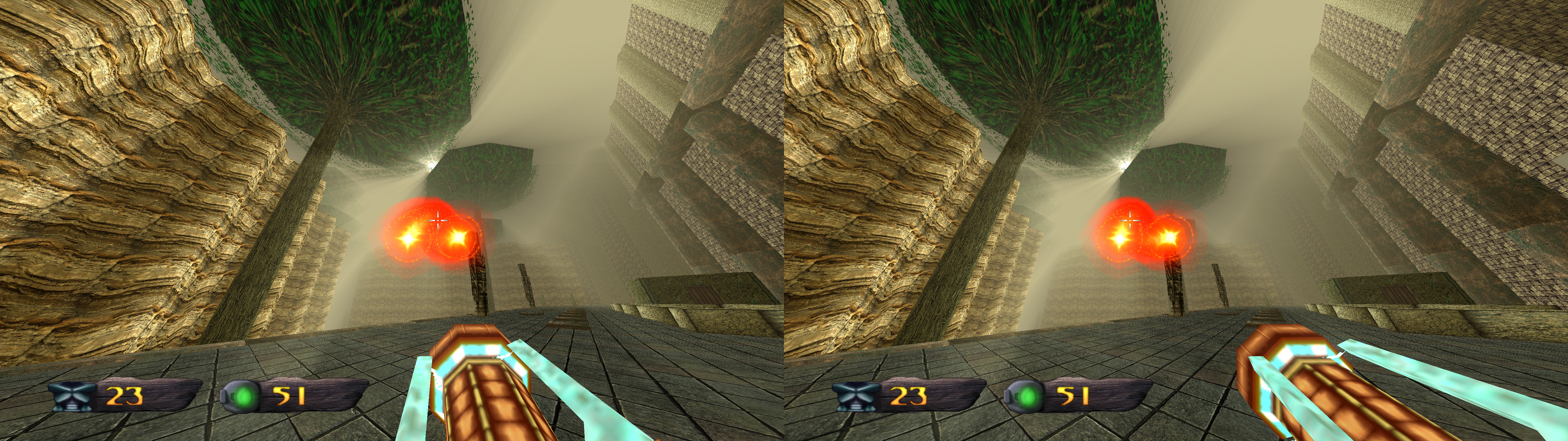
Update (2019-11-23): the sun is now completely fixed (don't trust the screenshot above that I didn't update). 3Dmigoto updated to version 1.3.16. Removed some convergence presets. There were too many.
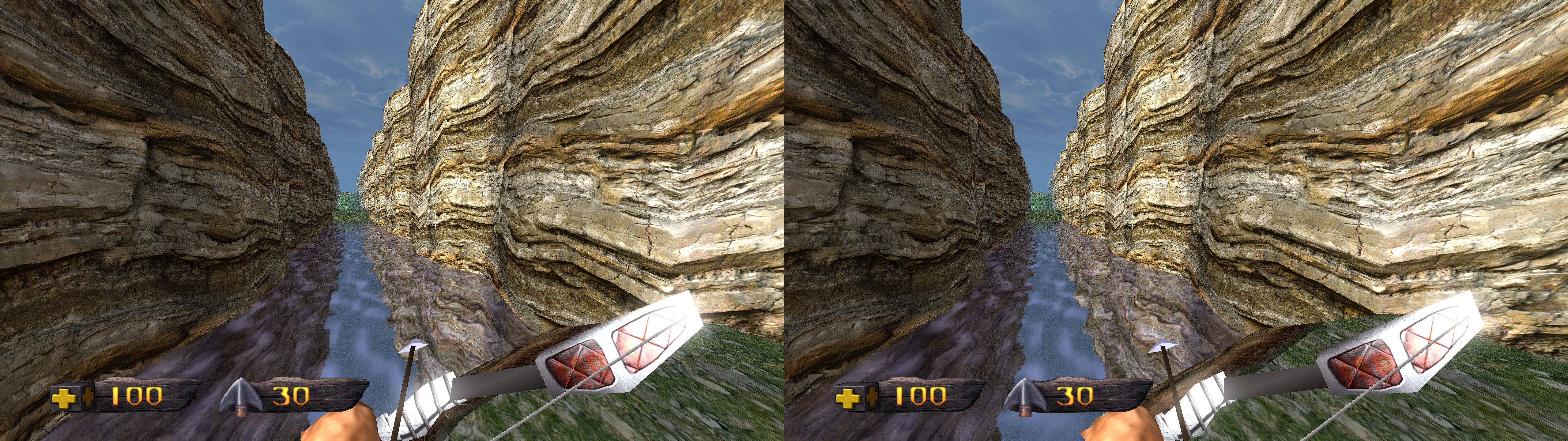
Fixed- Stereoized bloom and similar effects thanks to a profile setting change.
- Weapon convergence (customizable with a hotkey).
- Sun rays ("light scatter" ingame).
- Water.
- The fix includes a dynamic crosshair and/or HUD feature.
Known issues- The weapon convergence fix is heavily filtered (by index buffer and texture) to not break other things, but there are two or three textures in total that will have strange convergence when you see two specific weapons in the overworld. Just so you know.
Installation- Download
this file and extract its contents in the "Turok" folder, where "sobek.exe" is.
- Launch the game and let it overwrite the profile.
Hotkeys-
F1: convergence presets.
-
F2: HUD depth presets.
-
F3: HUD toggle. Not disabled by default.
-
F4: dynamic crosshair presets. By default only the crosshair has dynamic depth, but pressing this will enable it for the HUD too (by screen center or by vertex) or disable it for everything. Whatever isn't dynamic can be used alongside the F2 and F3 hotkeys. Be warned that using it for the whole HUD increases GPU usage substantially.
-
F6: bloom presets, from x0 to x1. The game uses this effect sparingly if you enable it.
-
p: crosshair size presets (x2, x3, x4, x1). Not modified by default. The game doesn't scale the crosshair when you use a high resolution, so I made these multipliers.
-
l: dynamic crosshair samples presets (4000, 8000, 12000, 16000, 24000). By default the fix uses 8000. More samples make the crosshair change depth in a smoother and more precise way, but it increases GPU usage, especially if you make all the HUD dynamic.
-
m: weapon convergence presets (0, 4, 8, 12.5, 16, 20, 24). Default is 12.5, which looks like the most realistic. This can change the size appearance of weapons.
-
o: saturation toggle. It just toggles off the "saturation" setting of the game. Not very useful.
Fixed modsThese are mods that needed fixes made specifically for them. The reason is that they modify weapon models or textures:
- Turok+
- iddqd_textures
- Vinicius Skies texture
- Vinicius Weapons Textures
- Lightsaber mod
Mods that modify terrain textures like "iddqd_textures", change maps or change most of the game like "TurokWolf" were already compatible with the fix.
If you liked the fix and want to contribute for more future fixes, you can donate to this PayPal account:
masterotakusuko@gmail.com



Comments
Post a Comment