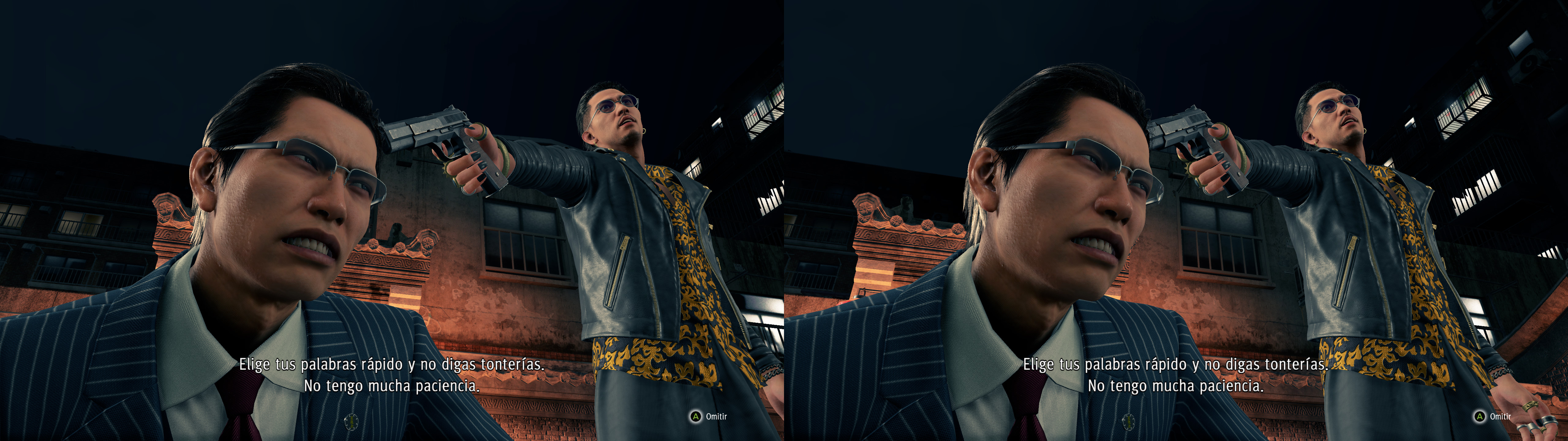
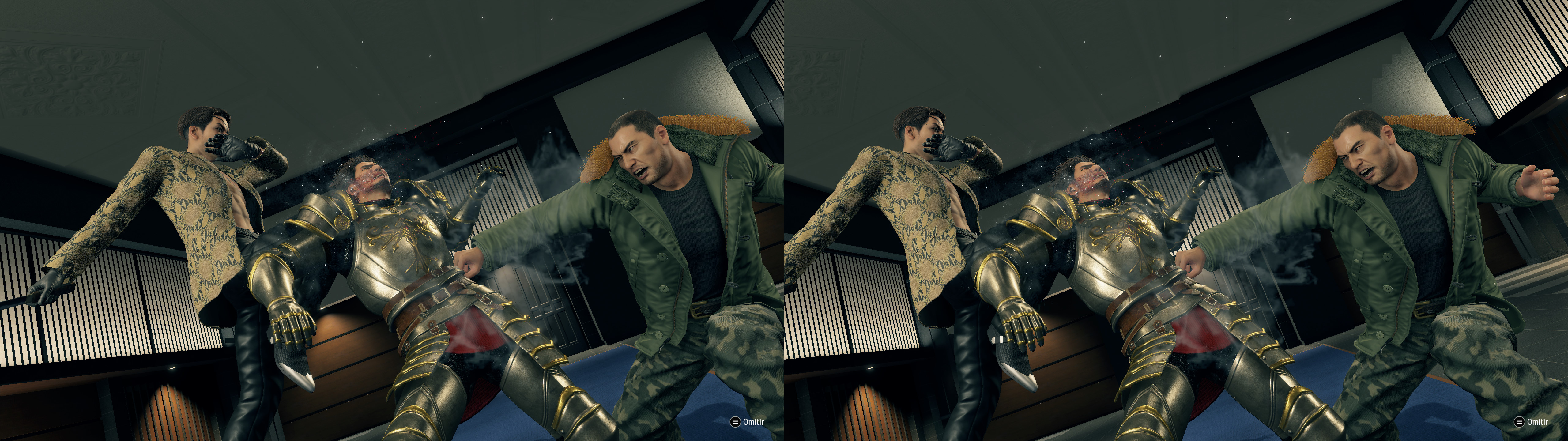
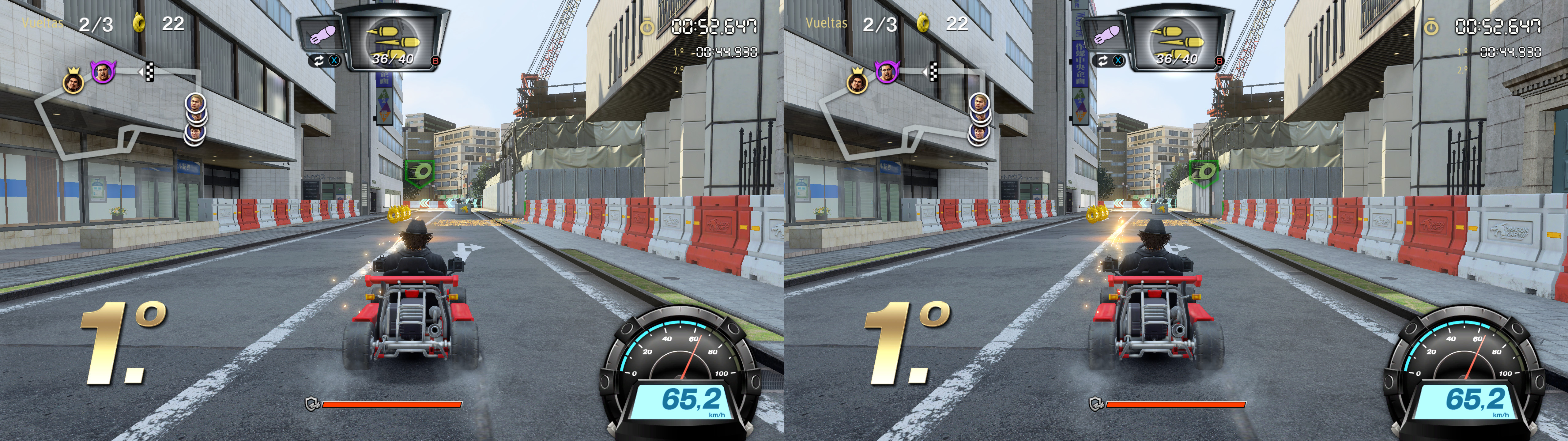
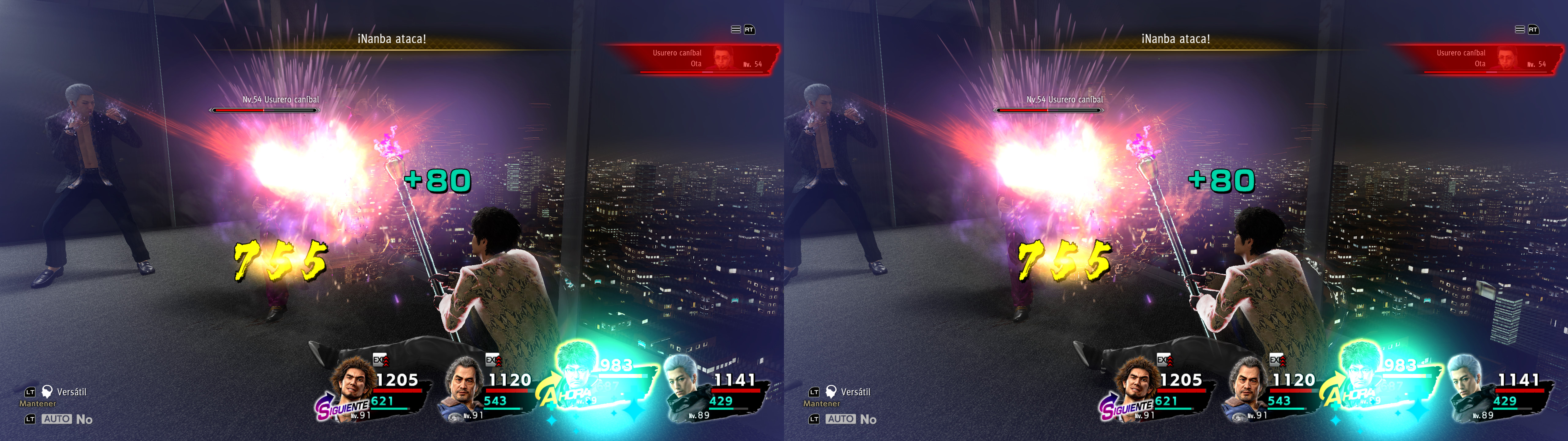
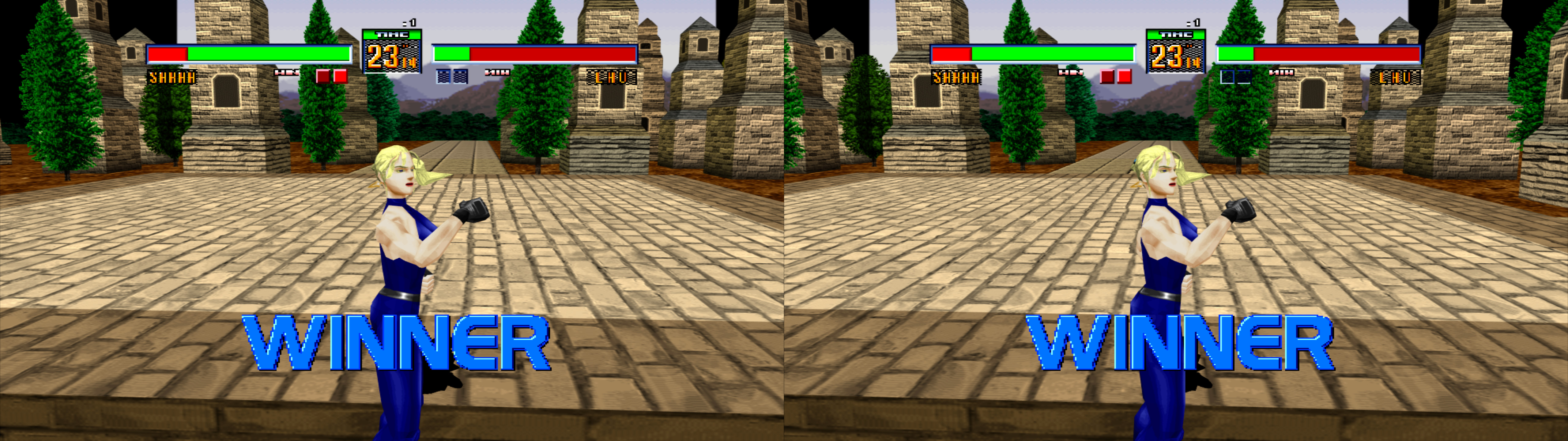
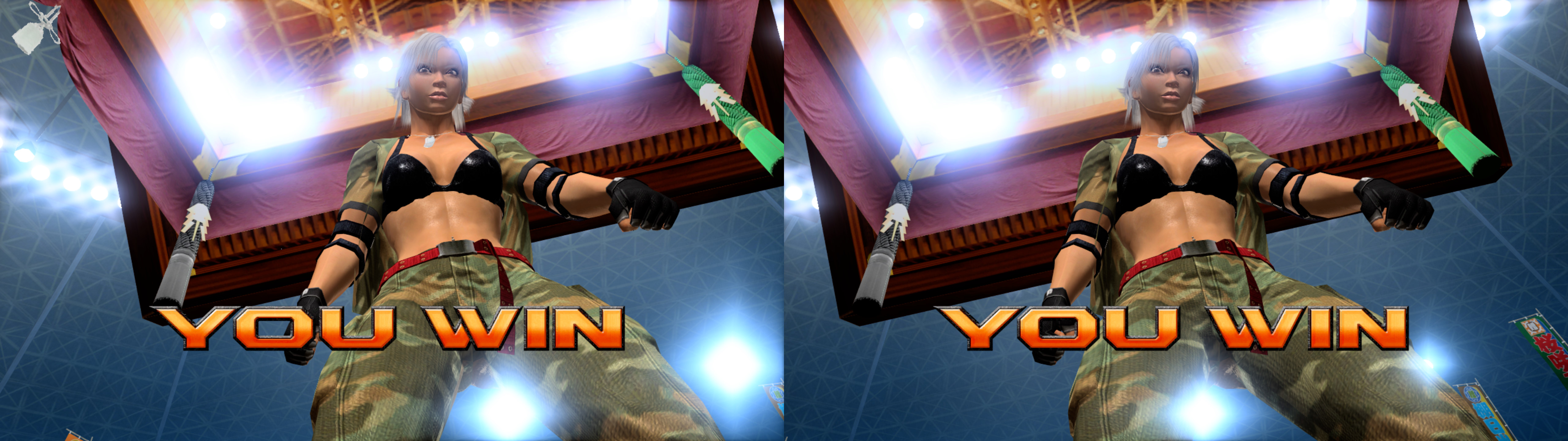
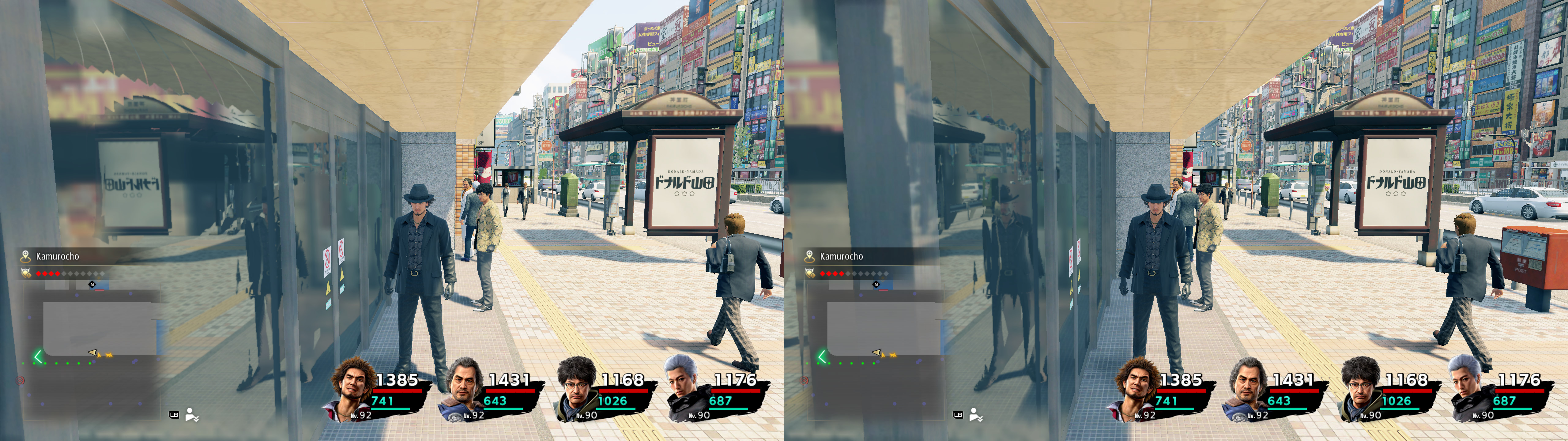
3D Vision fix for Yakuza: Like a Dragon. It also fixes the Virtua Fighter 2 and 5 arcade games.
Fixed
- Shadows.
- Lighting.
- Light shafts.
- Clipping for the most part.
- Distortion effects.
- One eye particles and grass.
- Realistic specular reflections.
- Screen space reflections.
- Water and its related reflections.
- Blood.
- Decals.
- Drink glasses.
- Haloing problems.
- Haloing fixes for Virtua Fighter 5.
- Stereoized Virtua Fighter 2, with widescreen and scanline options.
- Disabled blue lens flares, which were annoying even in 2D and covered a big part of the screen. If you want to reenable it for some reason, open "a57a8ae8a8064d4b-ps_replace.txt" and remove the "discard;" line.
- And more small fixes.
Known issues
- Real mirrors (there are very few) are inverted. I couldn't find a way to fix them without affecting the rest of the game.
- Menus and similar things may show flashing colors on the left eye for characters.
- Entering and exiting pachinko machines may turn the game 2D. Turn off and on 3D again ingame.
Installation- Download
this file and extract its contents in the "
Yakuza Like a Dragon\runtime\media" folder, where "
YakuzaLikeADragon.exe" is.
- Run the game and let it overwrite the profile the first time.
- In the ingame options, preferably choose borderless windowed fullscreen for better alt+tab compatibility. Exclusive fullscreen should be fine too for 3D.
Hotkeys (numbers aren't from the numpad)-
F1: convergence presets (0, 0.5, 1, 2, 3, 4). 2 by default. I recommend 3 or 4 for Virtua Fighter 5.
-
XB_RIGHT_THUMB (R3) or 3: low convergence (0.6) toggle, good for cutscenes and special attacks.
-
F2: HUD depth presets. 0% depth by default, which I recommend because of some flickering problems that can appear at more depth. When you play Virtua Fighter 5, better leave put this at screen depth to avoid some image cutting at the sides.
-
F3: HUD toggle. Not disabled by default. I don't recommend disabling it because the light shafts shader will cover the entire screen. In some cases like Virtua Fighter 5, it will remove all graphics.
-
F5: partial depth of field toggle (some closeups). Not disabled by default. Just use the ingame DoF setting if you want to disable it. Unused in Yakuza: Like a Dragon, probably.
-
F6: arcade scanlines toggle. Disabled by default.
-
1: arcade X aspect ratio presets. Full 16:9 screen by default.
-
2: arcade Y aspect ratio presets. Full 16:9 screen by default.
If you liked the fix and want to contribute for more future fixes, you can donate to this PayPal account: masterotakusuko@gmail.com


Comments
Post a Comment