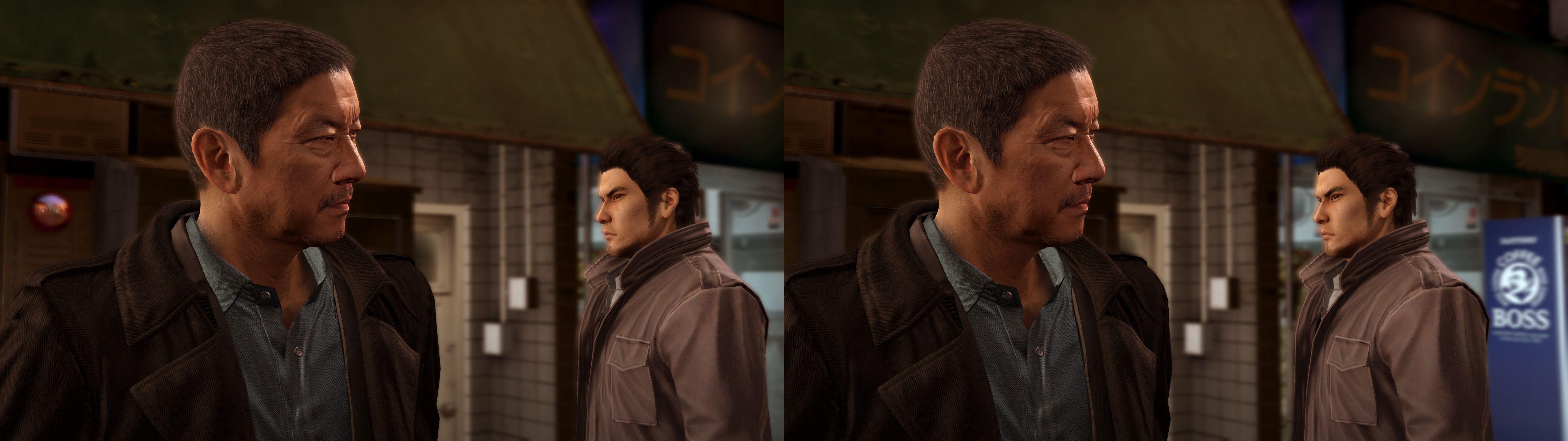
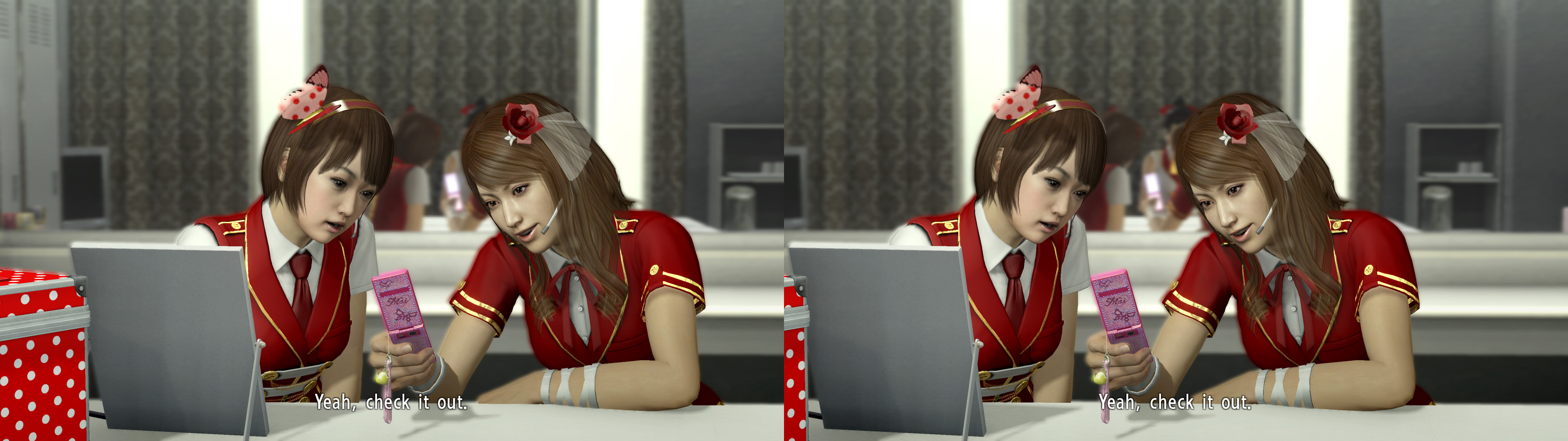
3D Vision fix for Yakuza 5 Remastered.
Fixed- Shadows.
- Lighting.
- Light shafts.
- Haloing problems.
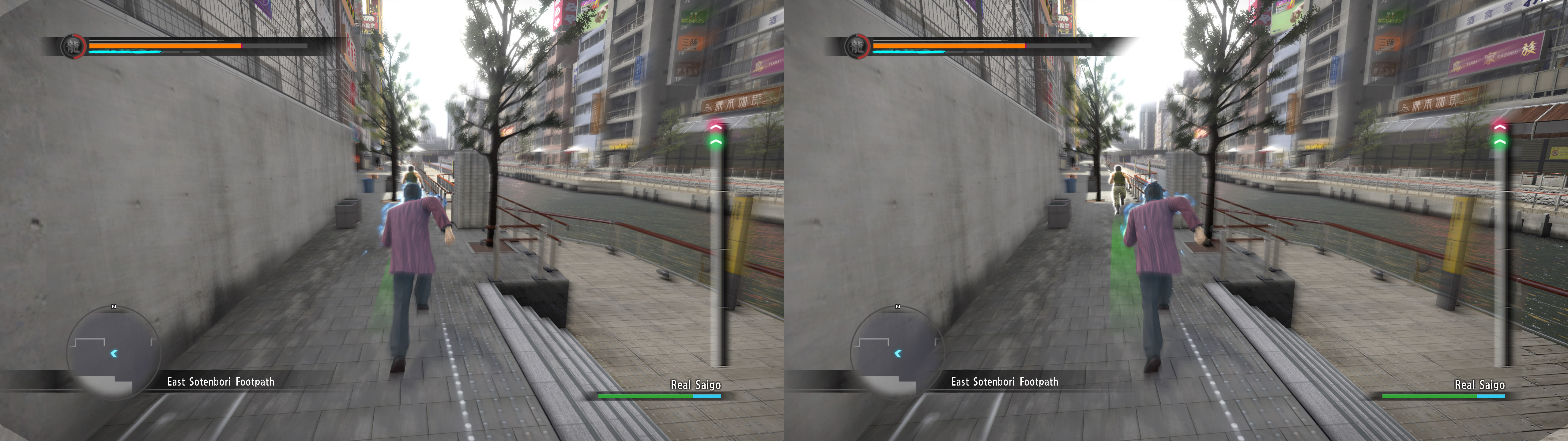
- Water effects.
- Reflections.
- Distortion effects.
- Saejima attack effects.
- Stereoized specular reflections, only for water shaders.
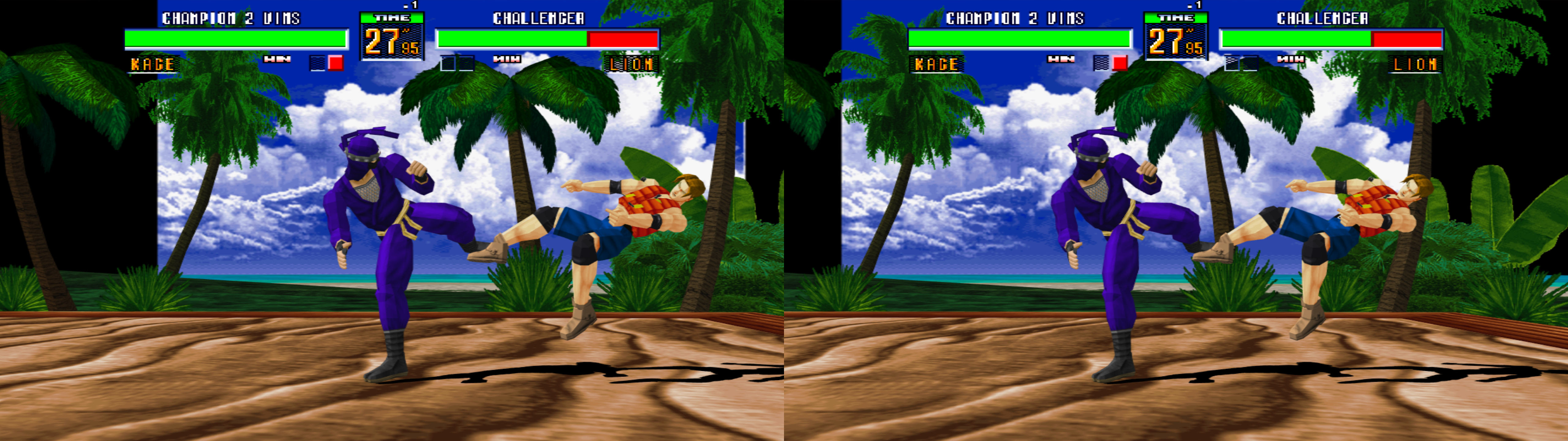
- Stereoized Virtua Fighter 2 arcade, with added widescreen and no scanlines by default.
- Automatic low convergence (0.5) when the cutscene depth of field shader is present.
- Automatic low-ish convergence (0.75) for snowball fights.
- Automatic very low convergence (0.05) for rifle aiming.
- Dynamic crosshair for first person mode (looking around and snowball fights).
- Added a depth of field toggle (F4).
Known issues
- Drinks inside glasses (which appear only in cutscenes) are imperfect at their surface.
- Aura effects and highlighted items can show clipping problems (the effects themselves aren't wrong). I couldn't fix this.
- Music concerts have a screen with double depth content when they are showing a real time image (imagine a 3D TV inside the 3D game).
- 2D sprite spectators are at more depth than they should. I can't fix this without breaking more important things.
Installation- Download
this file and extract its contents in the "
Yakuza 5\main" folder, where "
Yakuza5.exe" is.
- Run the game and let it overwrite the profile the first time.
Hotkeys (numbers aren't from the numpad)
- F1: convergence presets (0, 0.5, 1, 2). 2 by default.
- XB_LEFT_THUMB: low convergence (0.6) toggle. Useful when the game doesn't trigger the low convergence preset.
- F4: depth of field toggle for cutscenes. Not disabled by default.
- F5: vignette toggle. Not disabled by default. The reason for not disabling it by default is that it's used for some lighting in cutscenes.
- F6: Virtua Fighter 2 scanlines toggle. Disabled by default.
- 1: arcade X aspect ratio presets (4:3 and 16:9). Full 16:9 screen by default. If you configure the screen size ingame to not leave borders up and down.
- 2 (not the numpad): six bloom presets, (x0, x0.2, x0.4, x0.6, x0.8, x1). x1 by default.
- 3 (not the numpad): dynamic HUD samples (300, 600, 1000, 2000). 300 by default (it's enough without hurting performance).
Recommendations
- Use the "Auto" ingame fps limit, because the "60" fps limit makes everything below it run in slow motion. And at this date, you're going to get low fps in crowded outdoors locations.
- I recommend using the mod that restores the original licensed music and better video cutscenes.
- If you use 2560x1440 resolution, don't use 100% resolution scaling, because it looks badly scaled indoors. Using 99% or 101% fixes it, if you don't want even higher numbers.
If you liked the fix and want to contribute for more future fixes, you can donate to this PayPal account: masterotakusuko@gmail.com


Comments
Post a Comment